

BMW key duplication, especially for CAS4 systems, can seem complicated at first. However, with a professional tool like Autel IM608 Pro II, the process becomes straightforward, efficient, and reliable. In this guide, we’ll walk you through the basic steps to successfully duplicate a BMW CAS4 key.
Why Choose Autel IM608 Pro for BMW Key Programming?
The Autel IM608 Pro II is an advanced diagnostic and IMMO programming tool designed for modern vehicles, including BMW CAS systems. It offers:
- Automatic vehicle identification (VIN reading)
- Guided key programming functions
- Stable and fast key generation
- User-friendly interface for both beginners and professionals
Steps
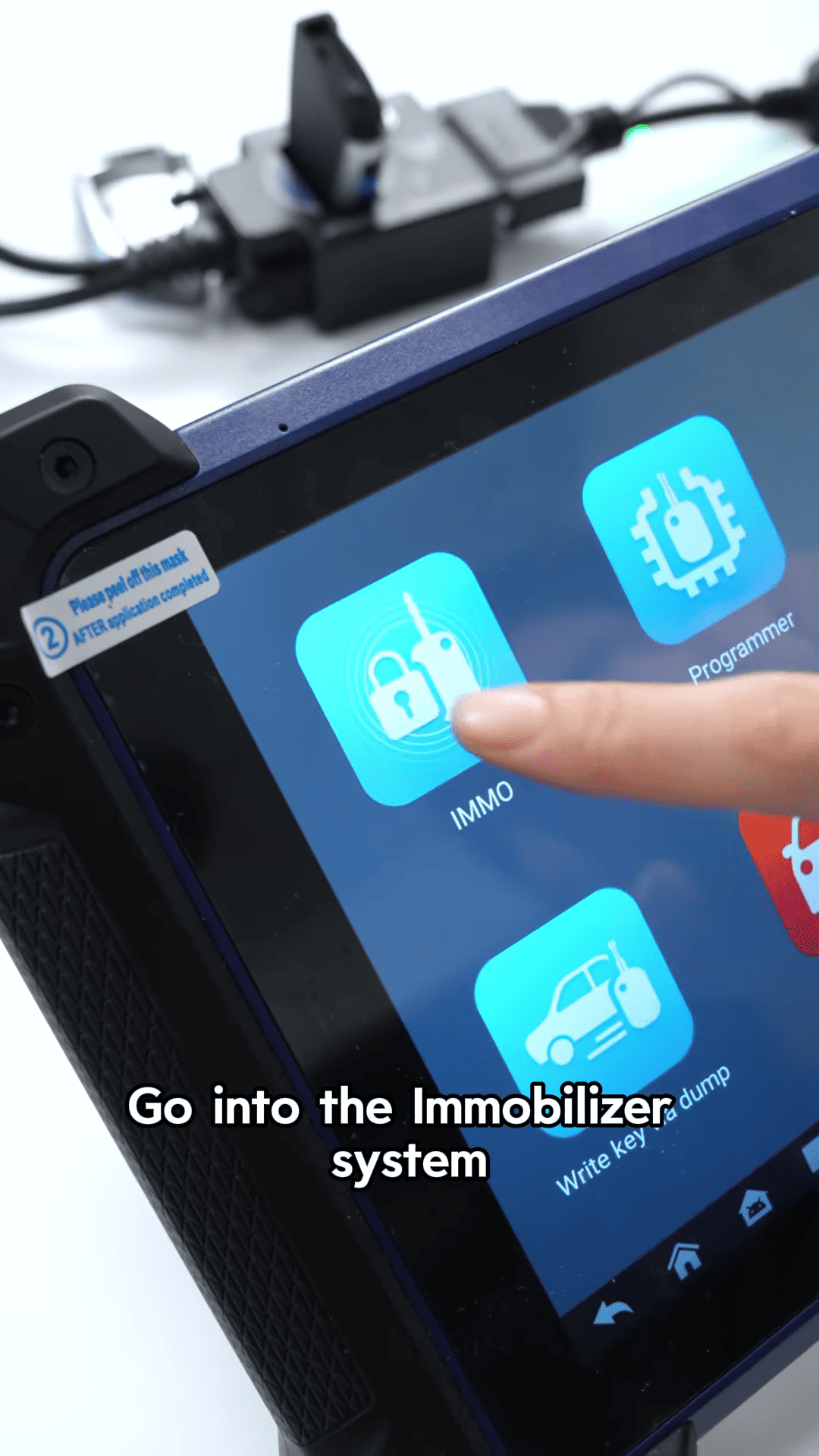
Step 1: Enter IMMO System
Turn on your Autel IM608 Pro II and navigate to:
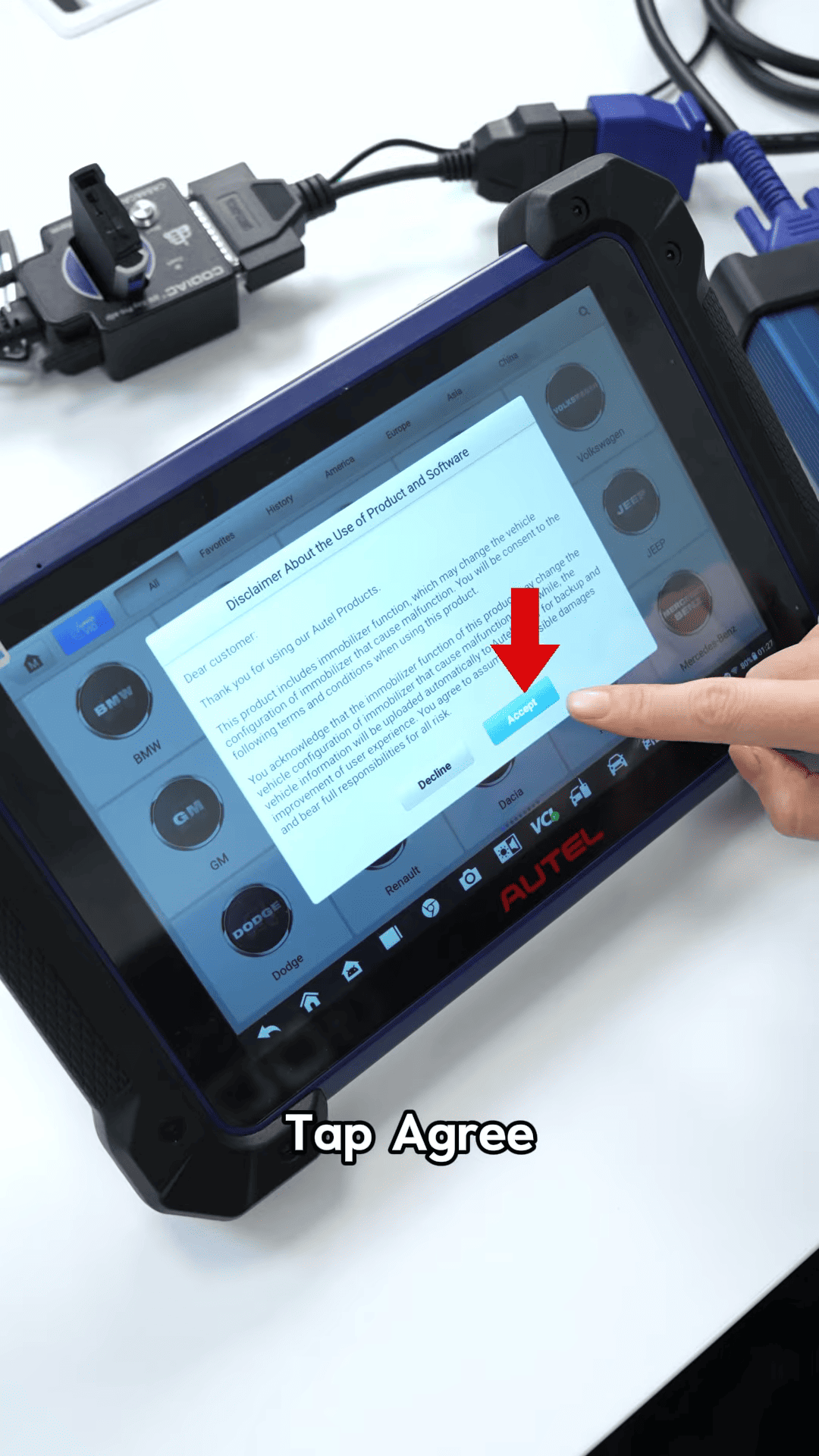
- Immobilizer System → BMW
- Tap Agree to proceed
Step 2: Automatic Vehicle Identification
- Select Automatic Vehicle Selection
- Read the VIN code
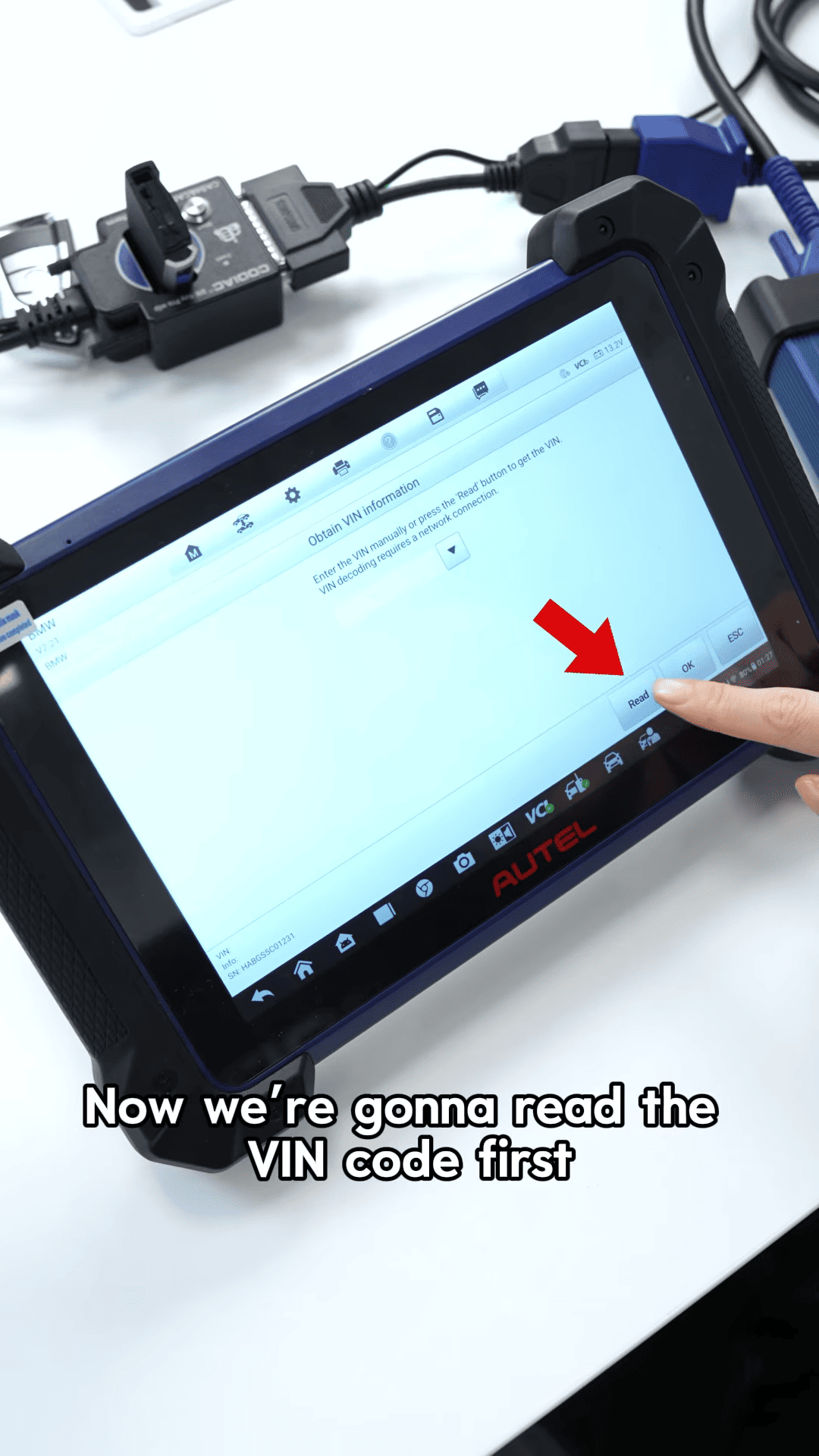
- Confirm vehicle information once displayed
Step 3: Access Key Programming Function
- Go to Functions → Add Key
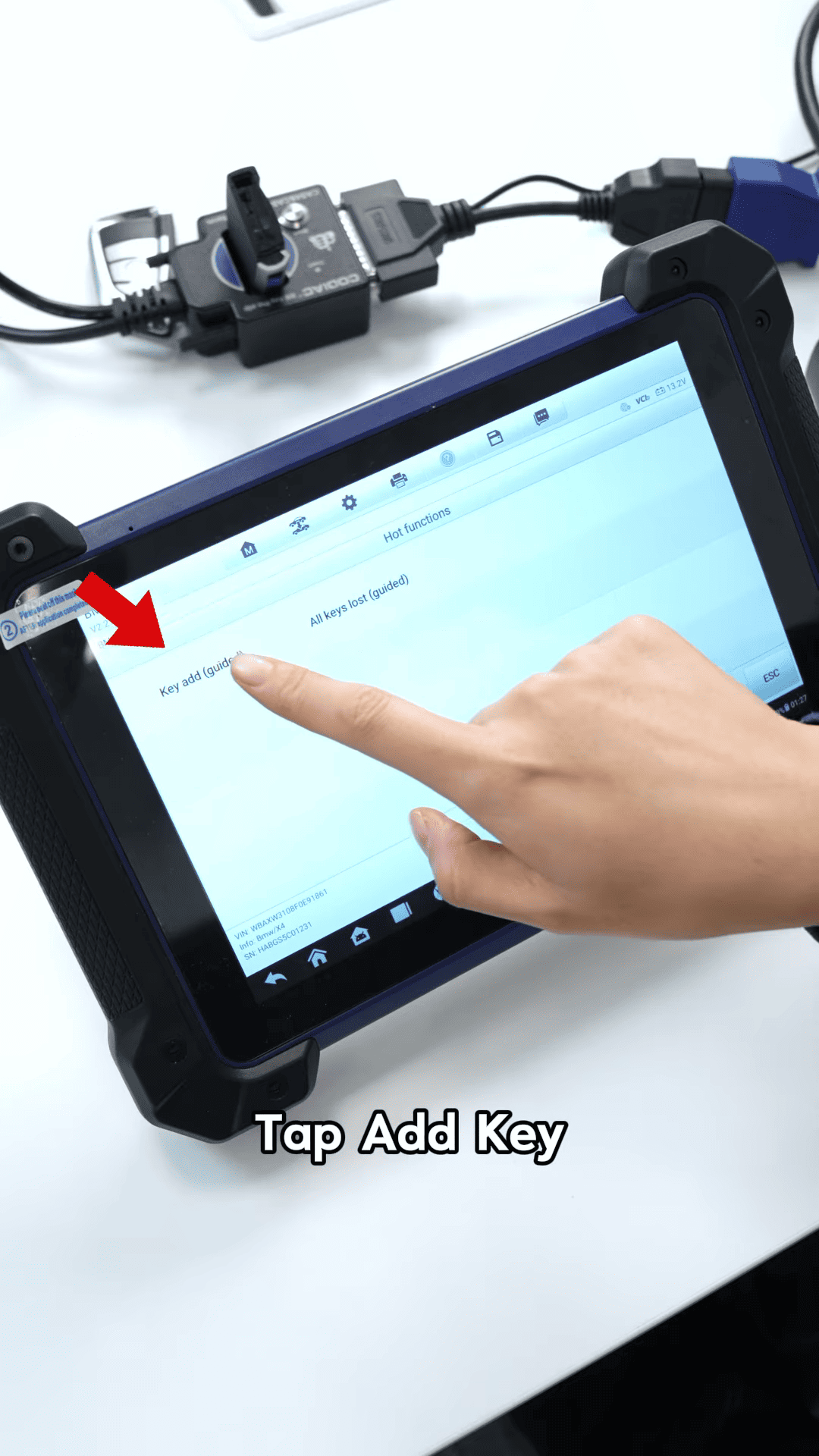
- Follow the on-screen instructions
Step 4: Perform Key Learning Process
- Start Step 1 and wait for the prompt
- Proceed to Step 2
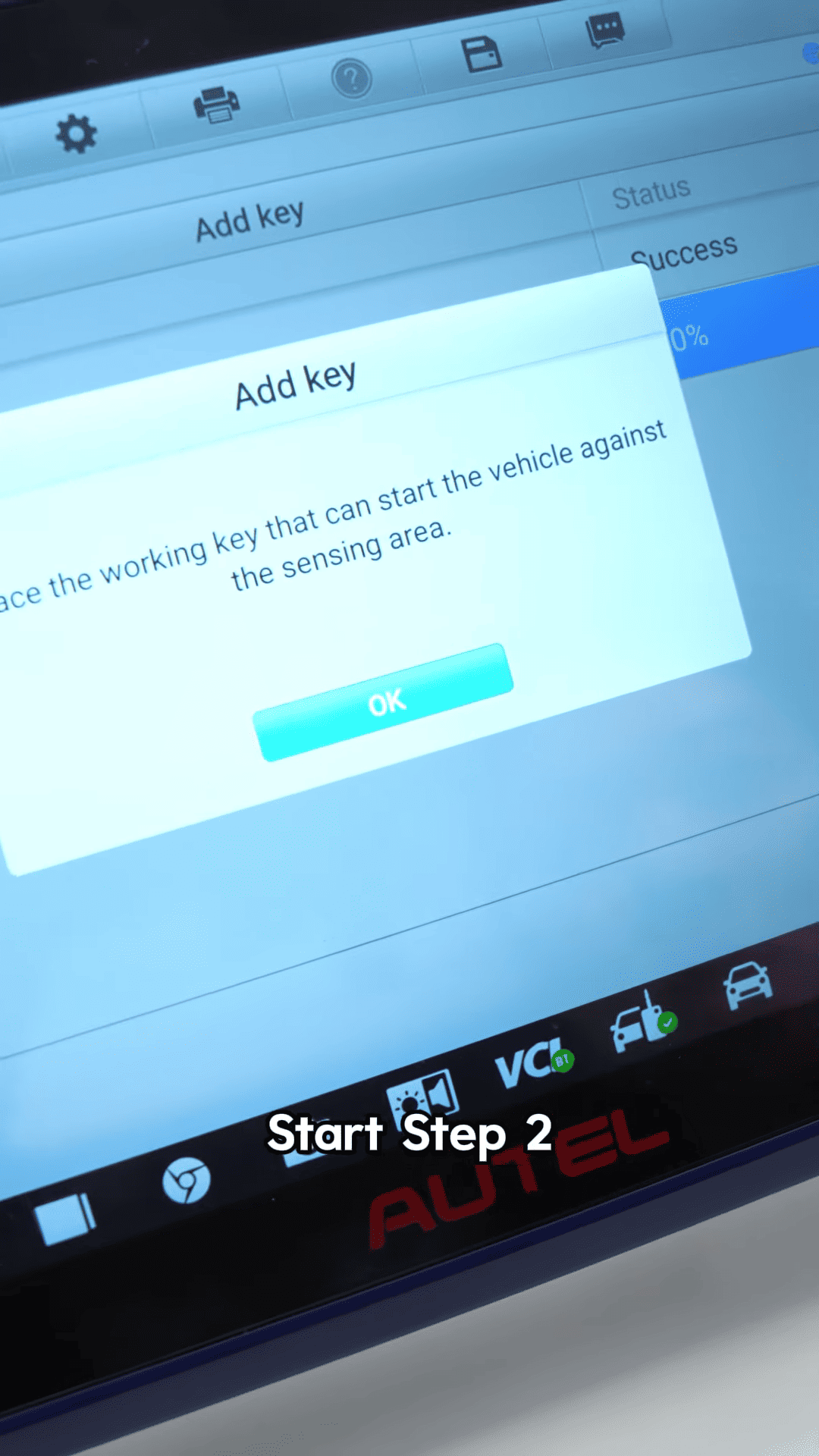
Place the original key on the testing platform and confirm
Then remove it and place the new blank key on the platform
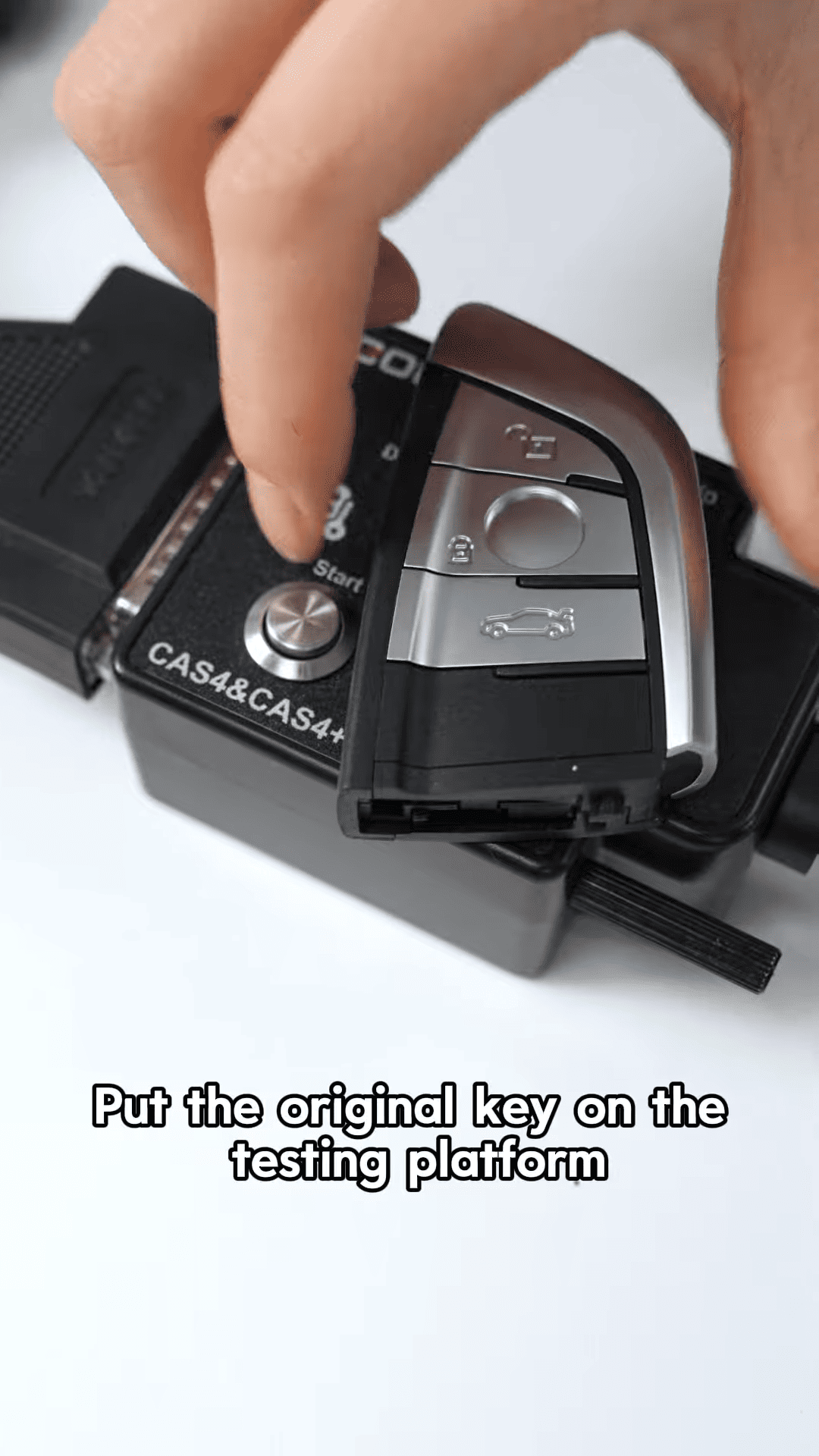
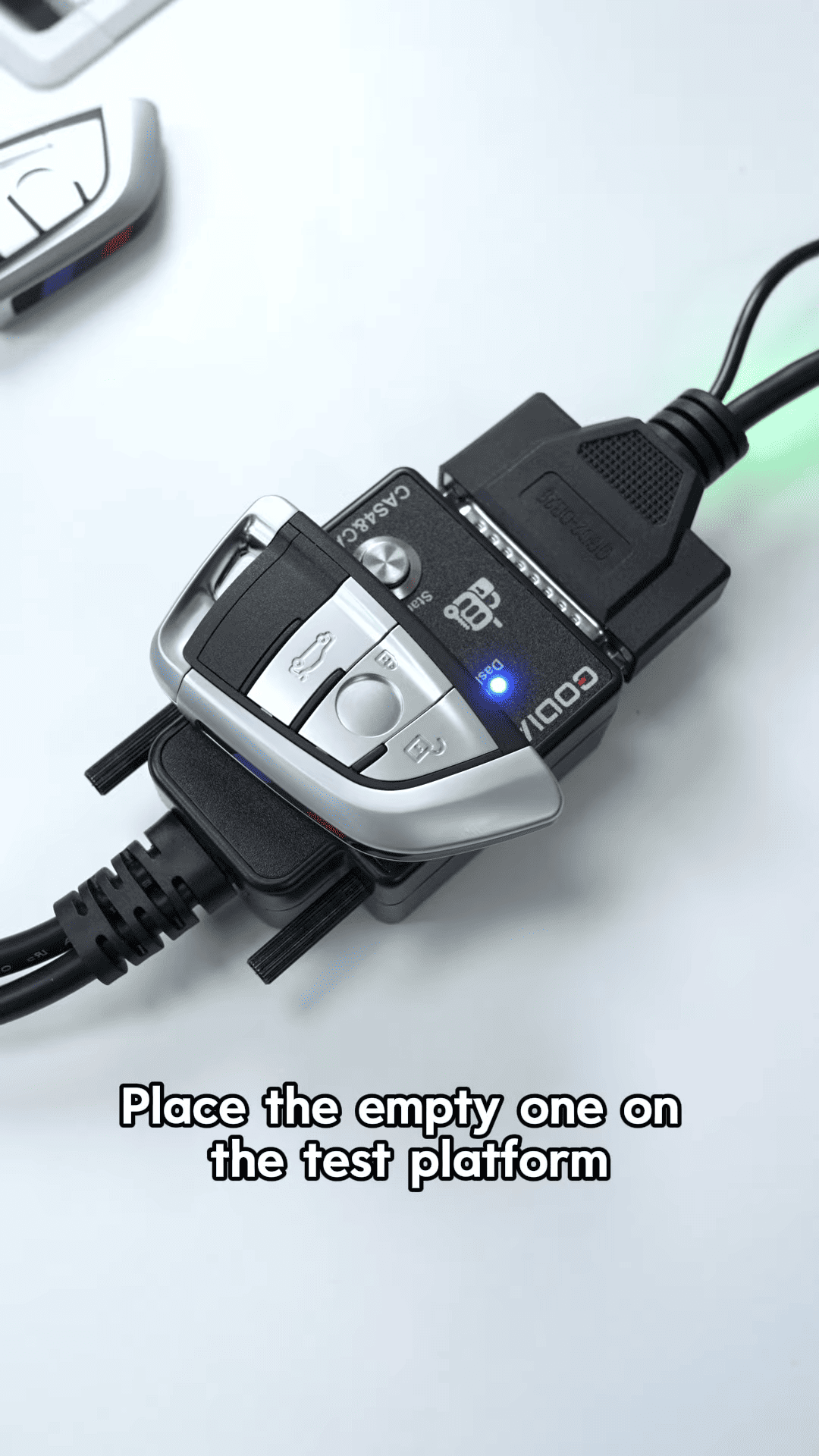
The IM608 Pro II will begin generating the new key automatically
Step 5: Verify the New Key
- Wait until the key generation process is completed
- Double press to activate the testing platform
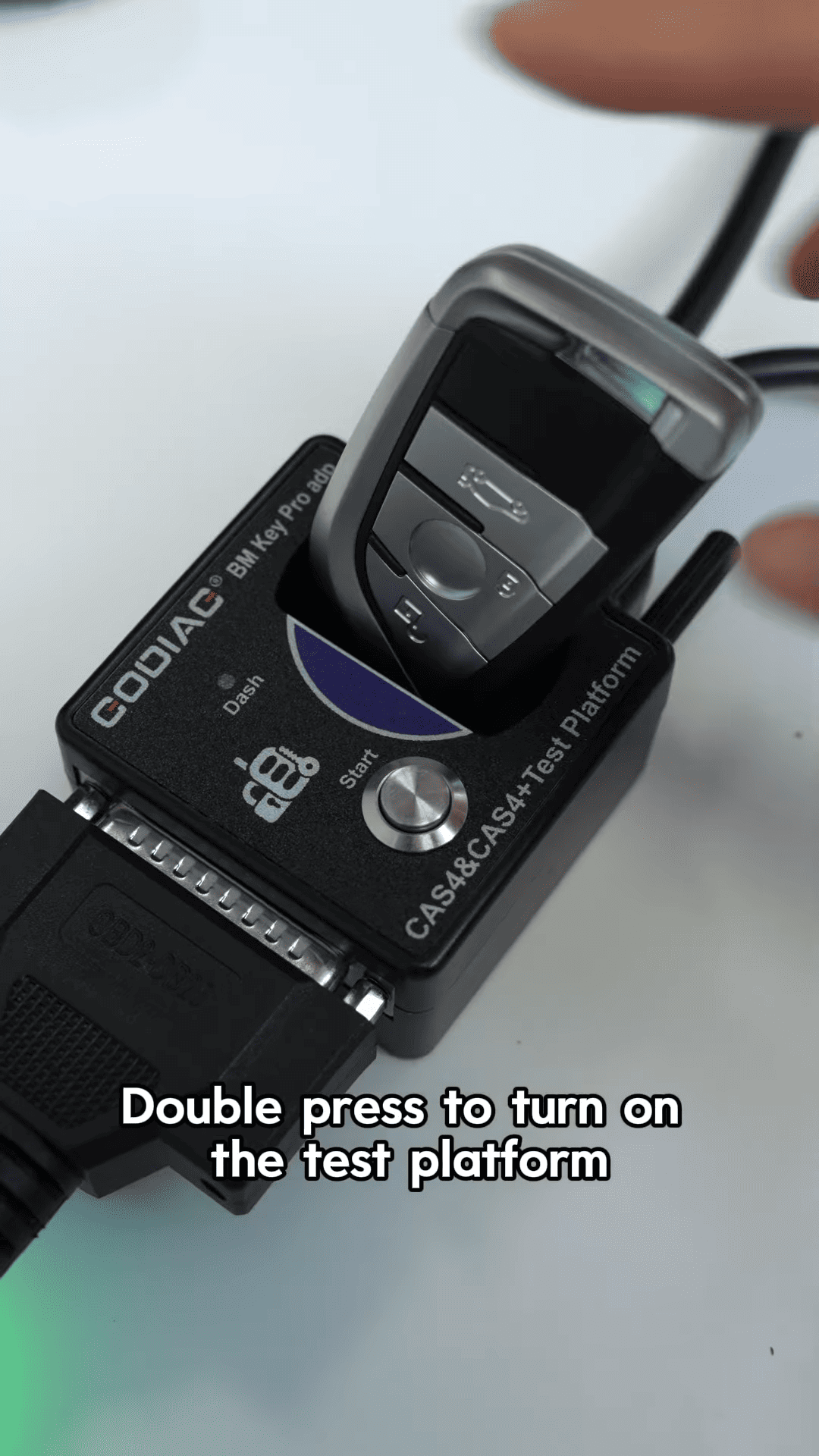
- Check the indicator light (blue light = success)
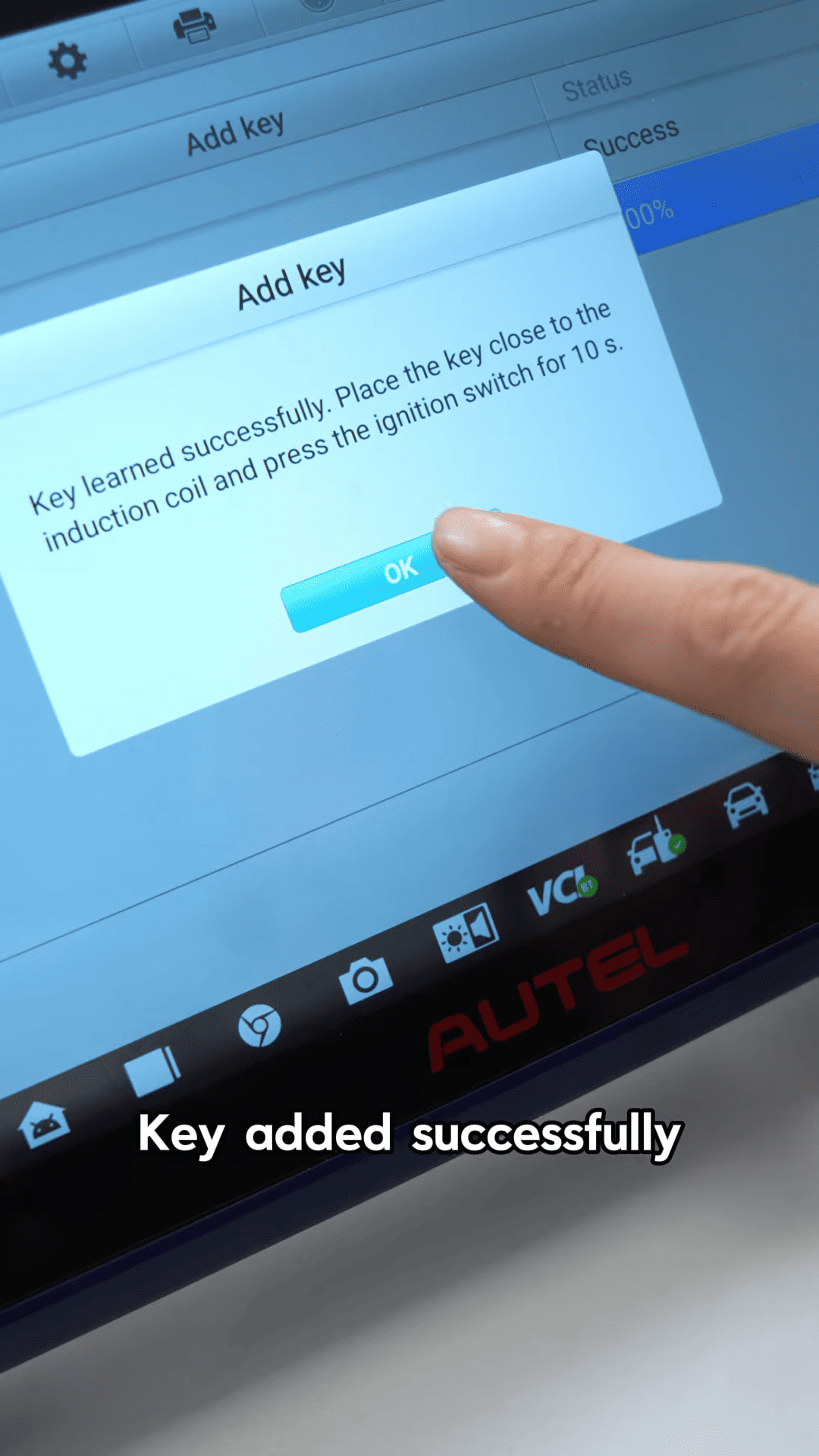
Conclusion
With Autel IM608 Pro II full kit, BMW CAS4 key duplication is no longer a difficult task. The guided workflow and automatic VIN detection make it easy to follow, even for beginners.
If you are working with BMW key programming regularly, the Autel IM608 Pro II is a powerful and reliable solution that helps you complete jobs faster and with greater confidence.
