
YANHUA ACDP2 and YANHUA Module 44 provide a professional solution for VW MQB IMMO5 key programming. With OBD operation and ICP technology, adding keys becomes safer and more efficient without removing any modules.
This guide explains how to use YANHUA Mini ACDP to add a VW 5C 5D key step by step.
Step 1: Connect YANHUA ACDP2 via OBD
Connect the YANHUA MINI ACDP or YANHUA ACDP2 to the vehicle OBD interface using the main cable.
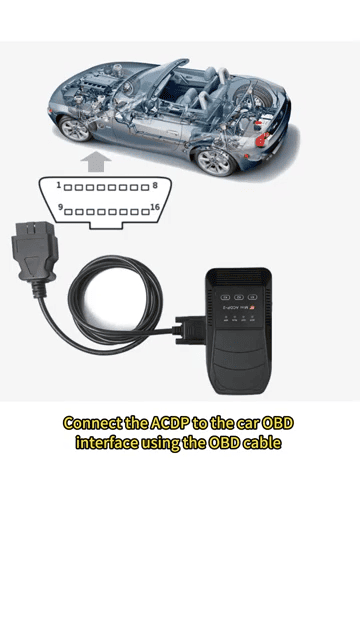
Turn on ignition and open the ACDP app.
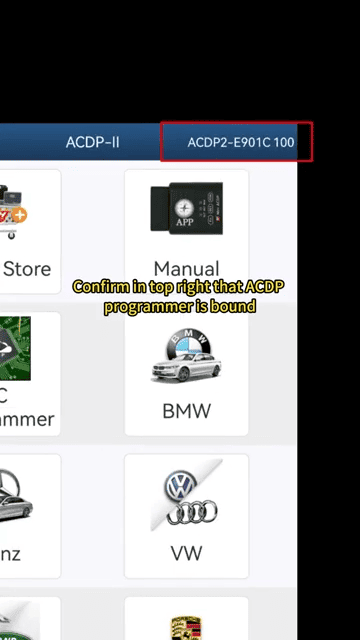
Select VW
Enter VWMQB IMMO ODO
Choose MQB49 IMMO 5C5D
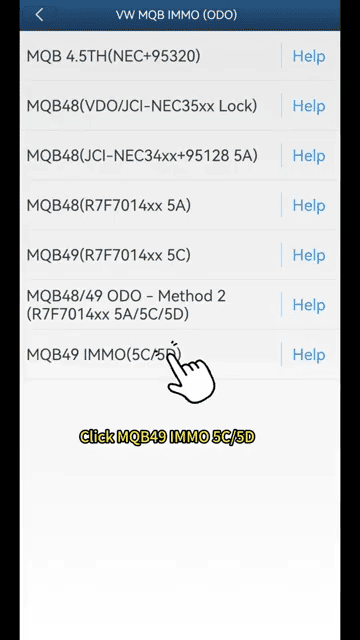
Step 2: Read Vehicle Information
Using YANHUA ACDP2, perform OBD identification:
Read vehicle information
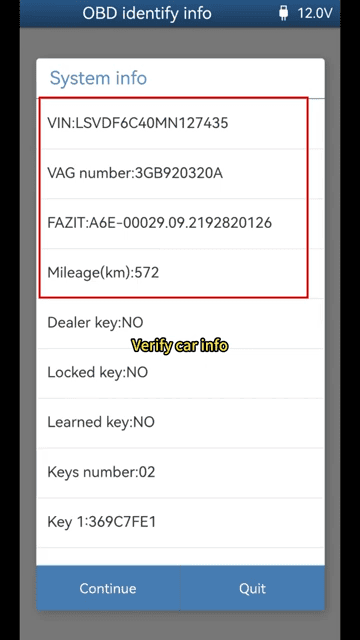
Check number of keys and key ID
Save screenshots for backup
Step 3: Read Original Key Data
Connect the PCF adapter to YANHUA MINI ACDP:
Insert original key into adapter
Read key information
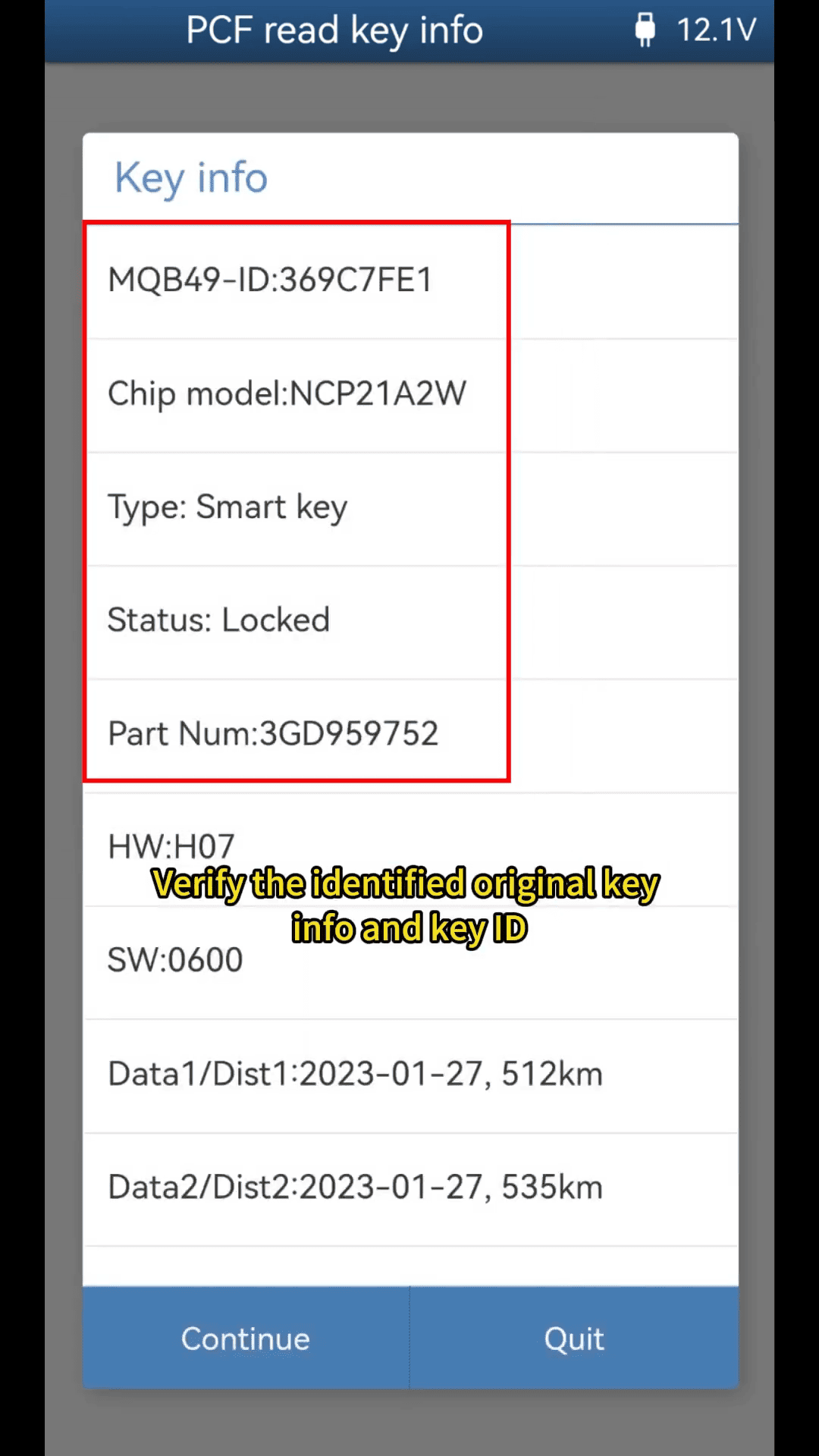
Save key data file (.bin)
Backup CS code and IMMO data
Step 4: ICP Read and Write Key
Disassemble the key and proceed with ICP function using Yanhua Mini ACDP 2:
Perform ICP read key
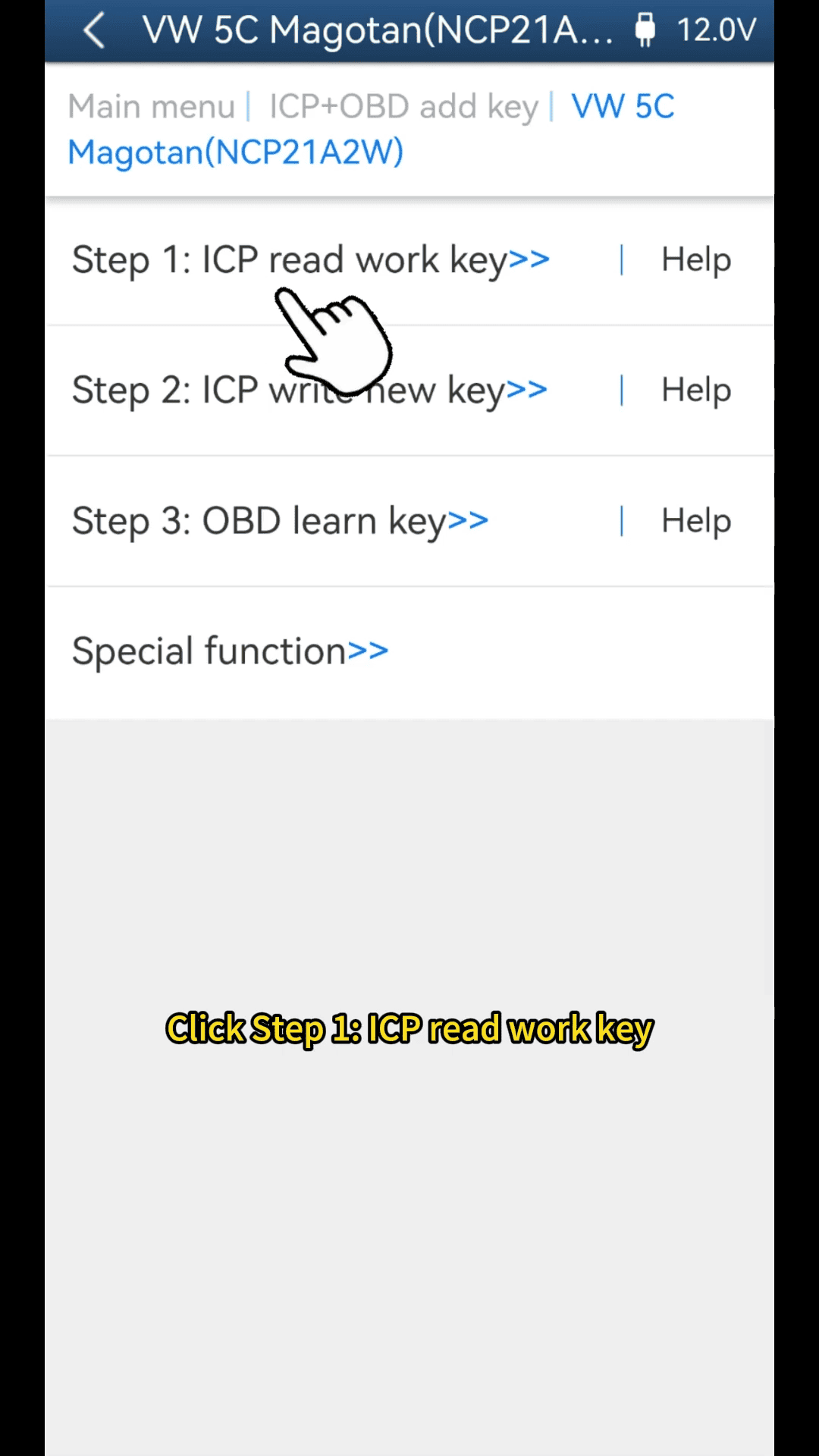
Save original key data
Execute ICP write new key
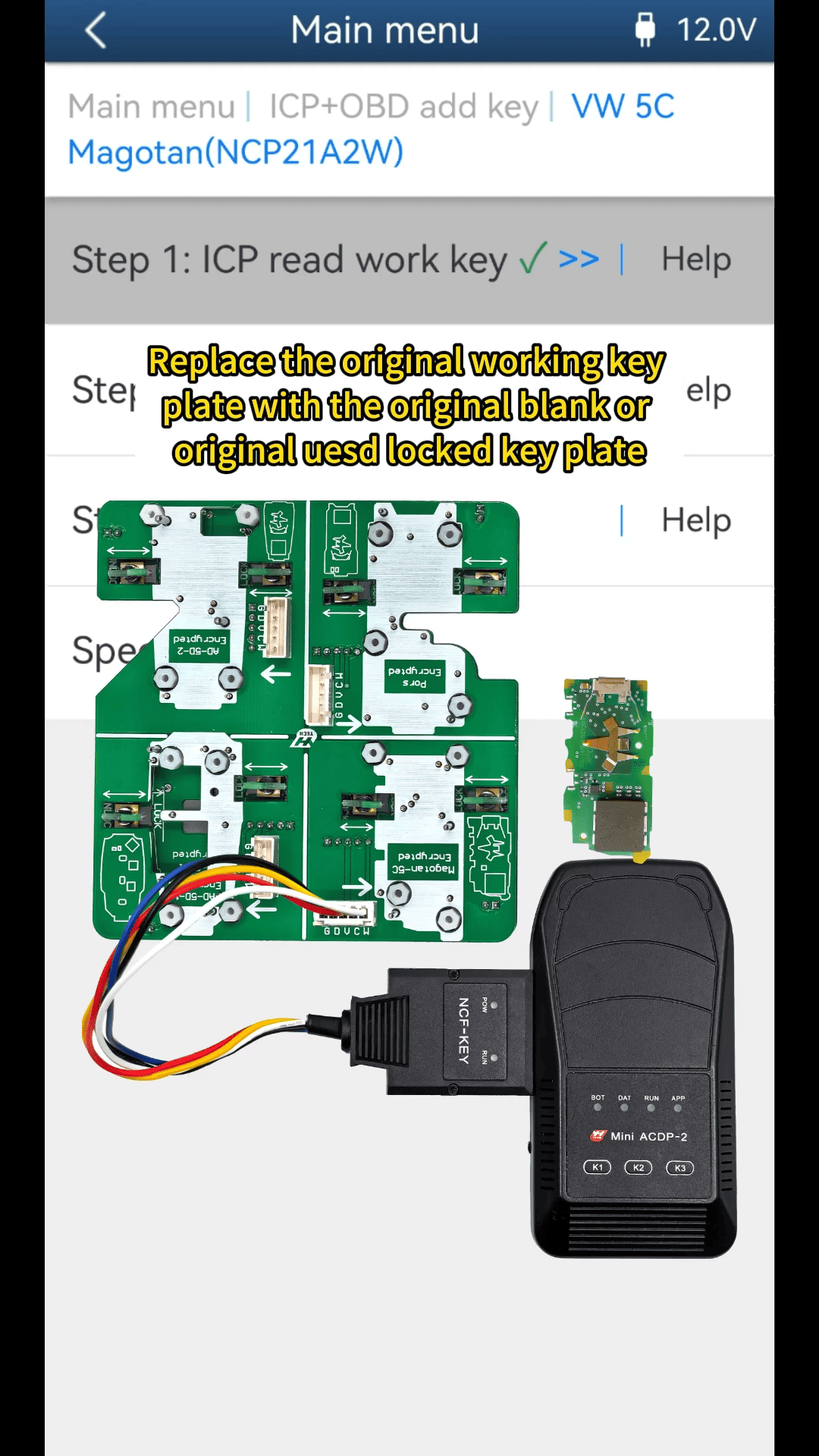
Generate dealer key
Step 5: Modify Key ID Optional
With YANHUA MINI ACDP, you can modify the new key ID:
Enter ICP modify key ID
Replace with lost key ID
Avoid duplicating working key ID
Step 6: OBD Key Learning
Reconnect YANHUA ACDP2 to the vehicle:
Select OBD Learn Key
Load saved key data
Enter number of keys
Complete key learning process
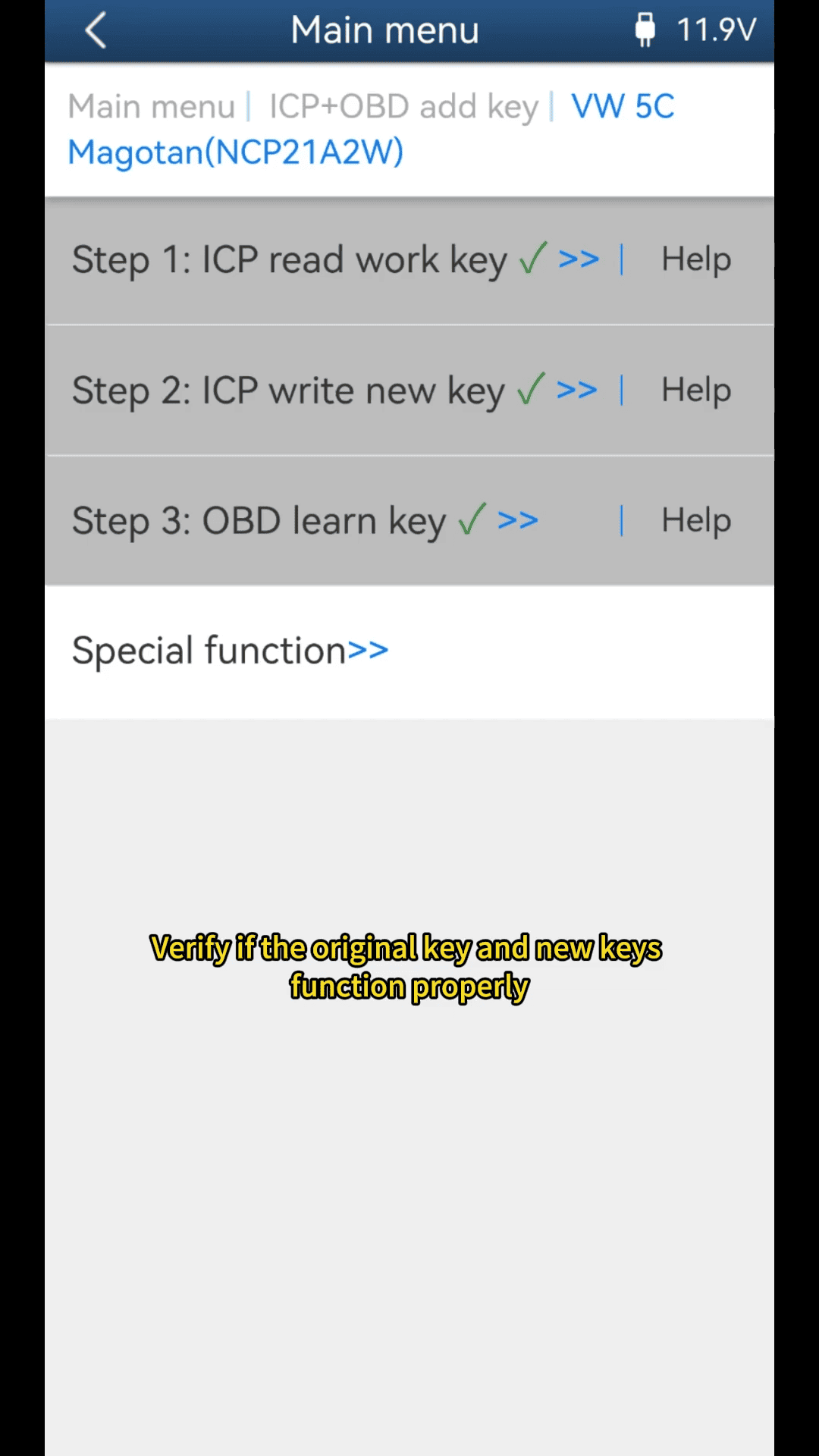
Video guide
Professional Car Diagnostic Tool Online Shop
