
Using LAUNCH Creader TPMS 511S V2, we performed a full tire pressure sensor diagnosis and relearn on a 2021 Mercedes-Benz C-Class.
Step 1: Enter System
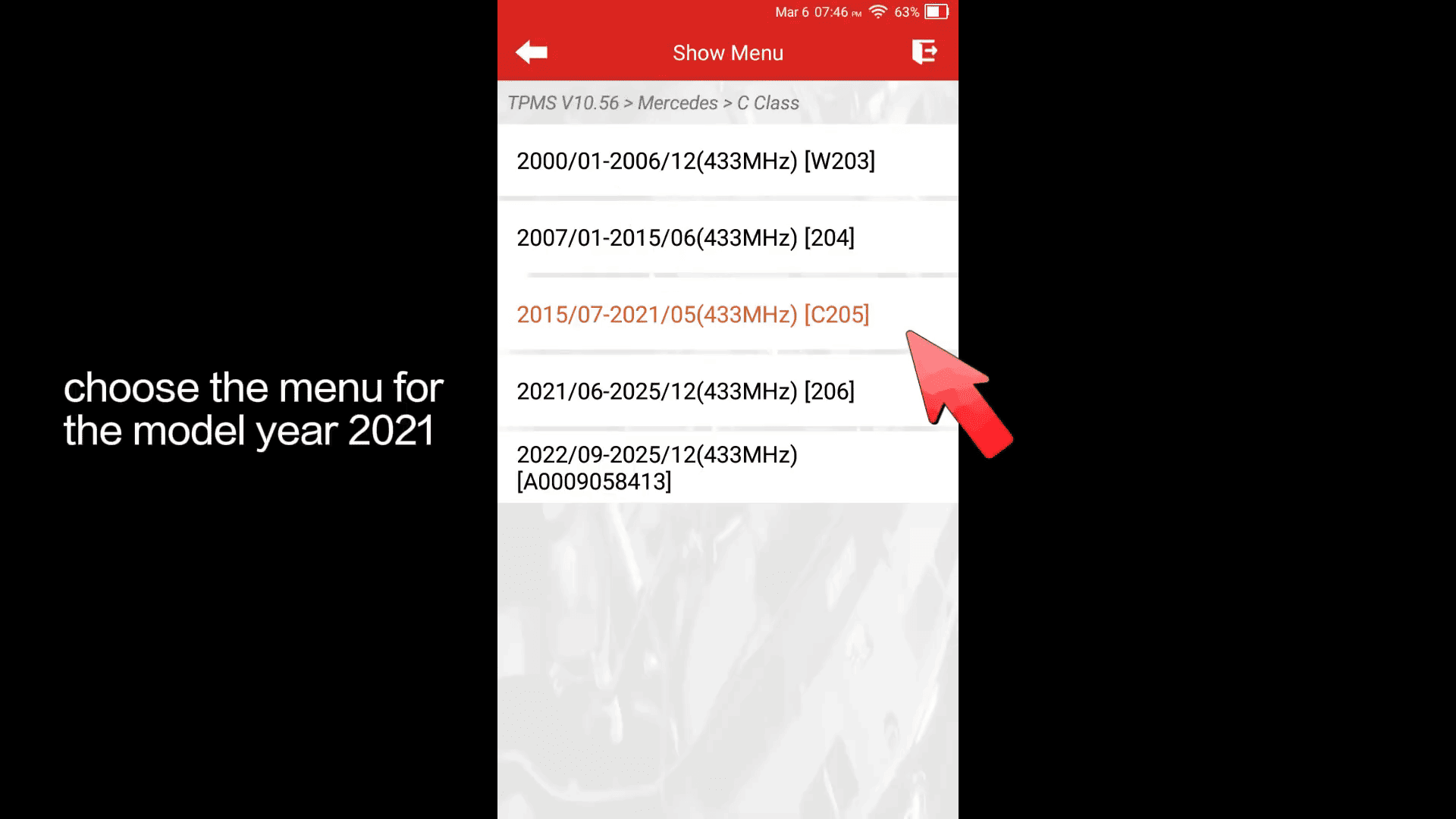
Go to [TPMS] → [Mercedes] → [C Class] → 2021
(If one menu fails, try another option for the same year)
Step 2: Activate Sensors
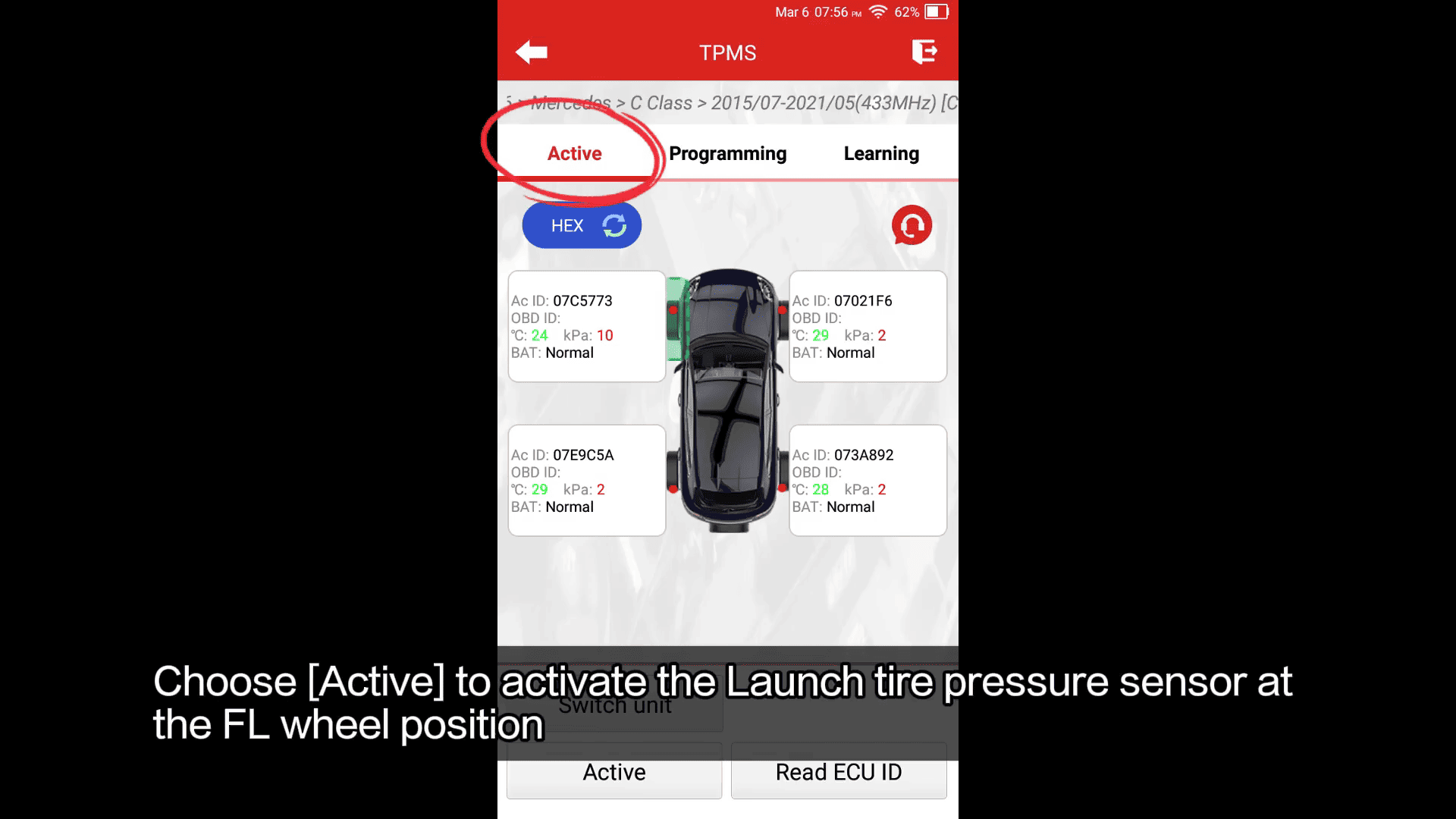
Select [Active] to trigger all 4 sensors
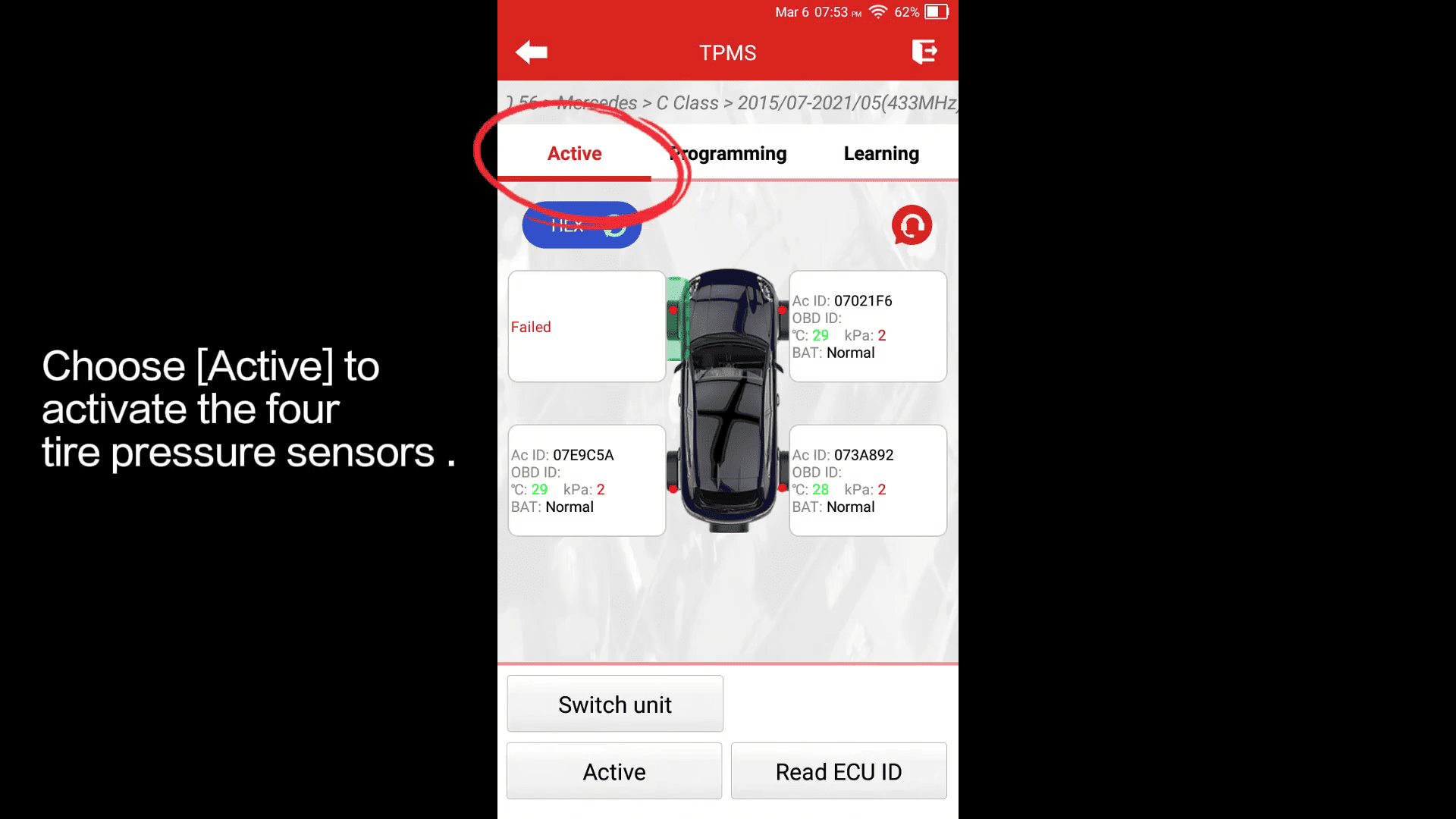
FR / RR / RL – OK
FL – No response → Sensor confirmed faulty
Step 3: Replace & Prepare
Remove the damaged FL sensor
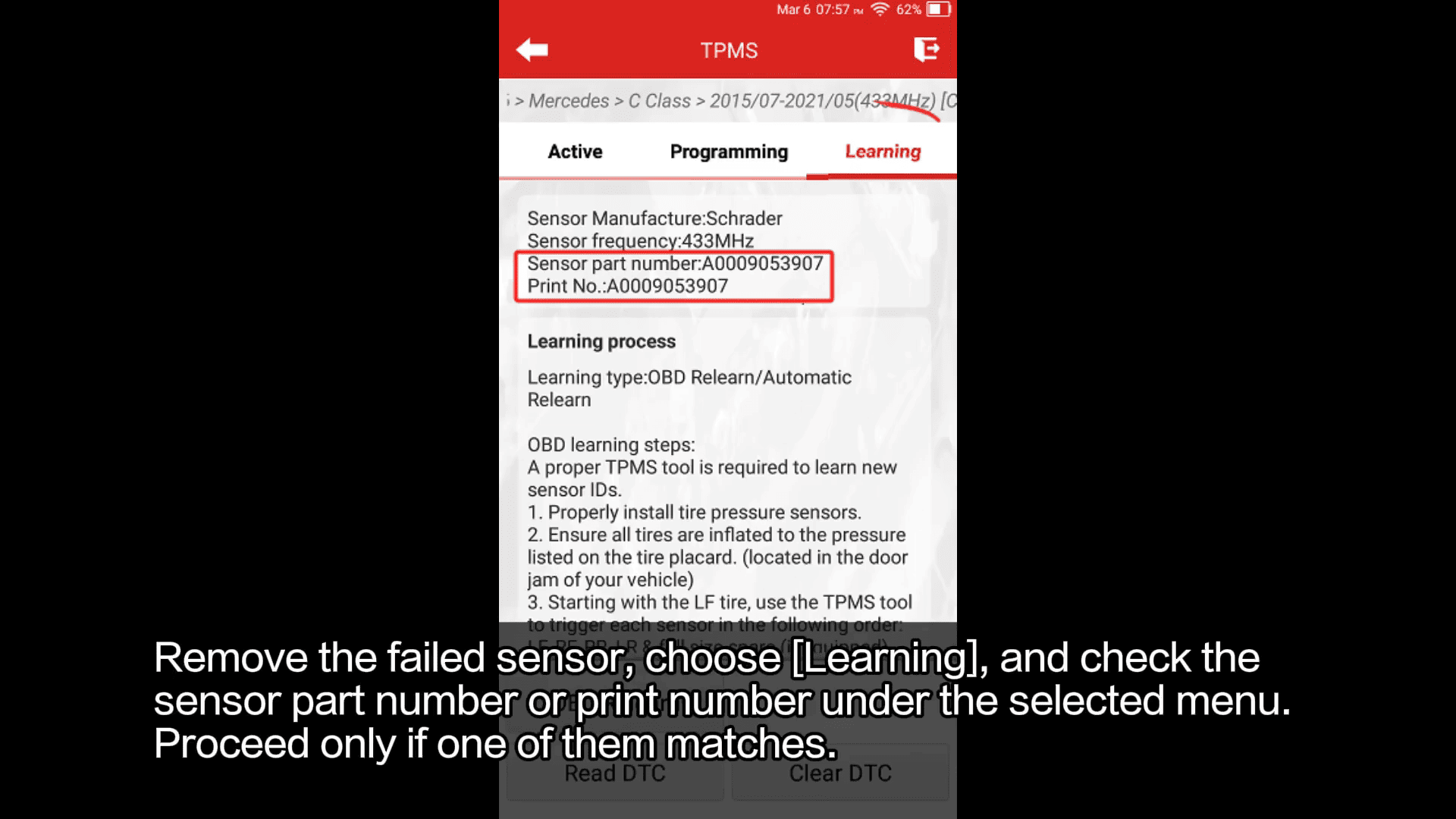
Check part number under [Learning] menu before proceeding
Step 4: Program New Sensor
Go to [Programming] → [Auto]
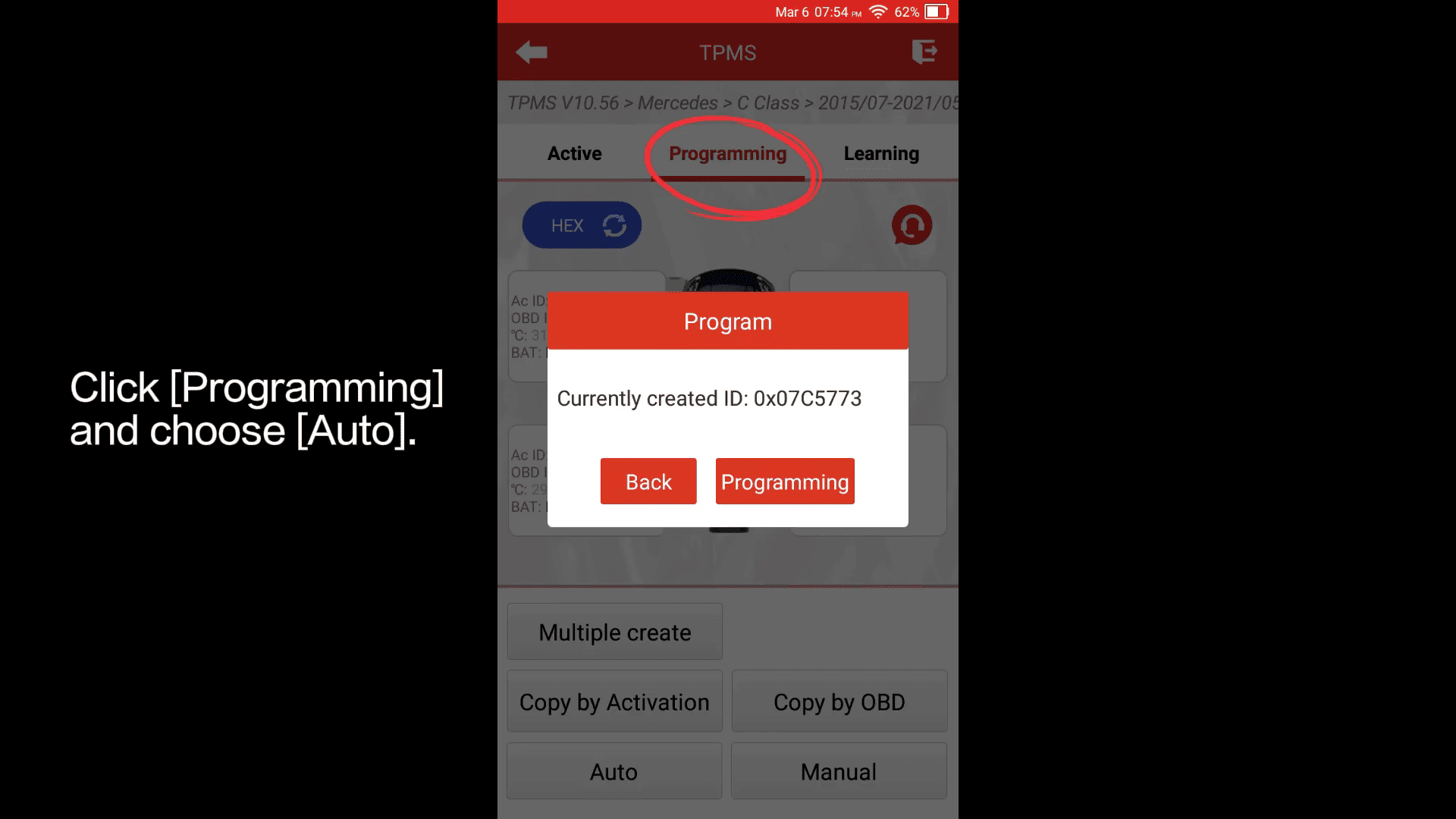
(Options: Manual input / Copy by OBD also available)
Step 5: Install & Activate
Install new sensor, inflate tire to standard pressure
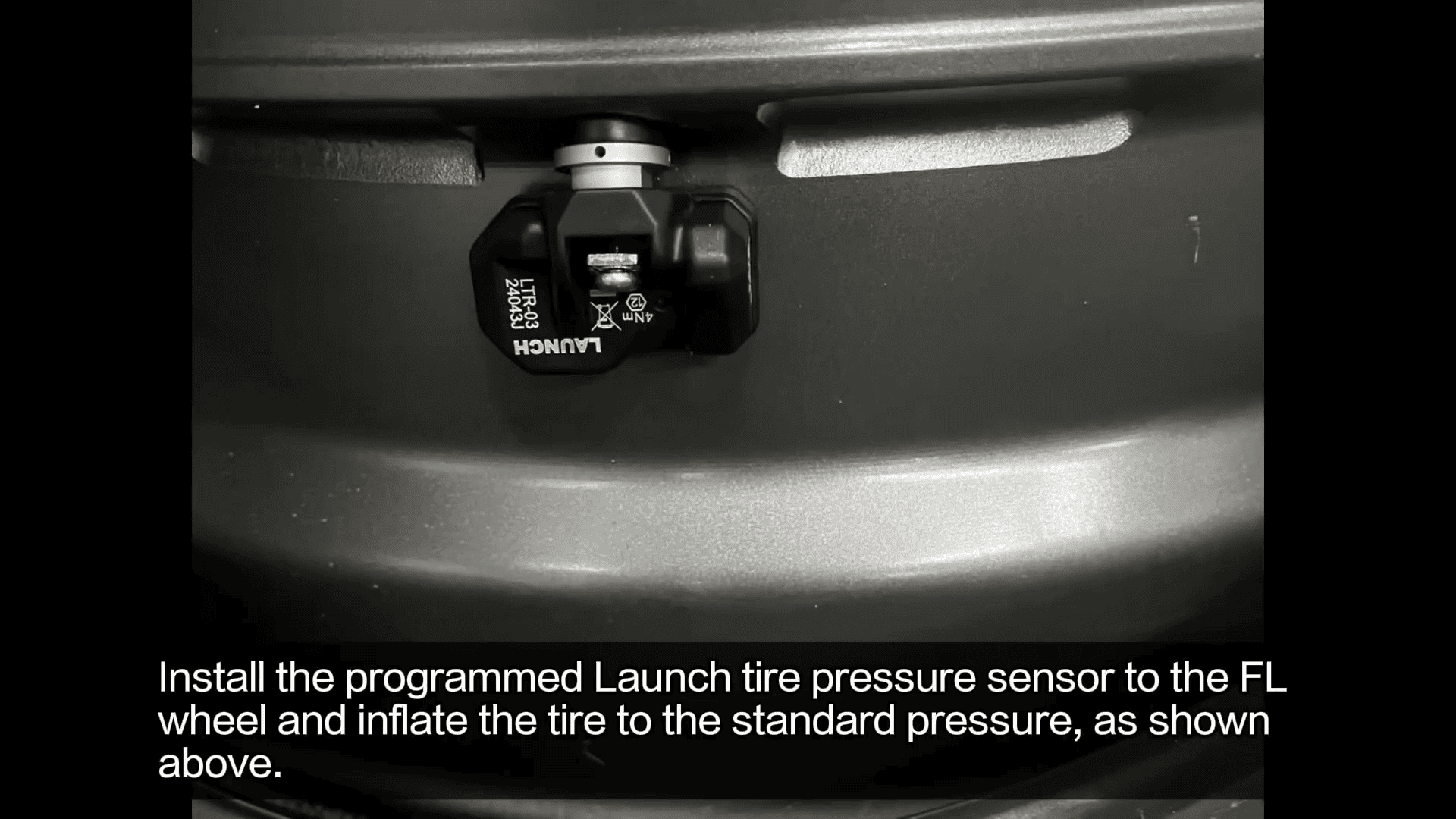
Use [Active] again to confirm response
Step 6: Relearn via OBD
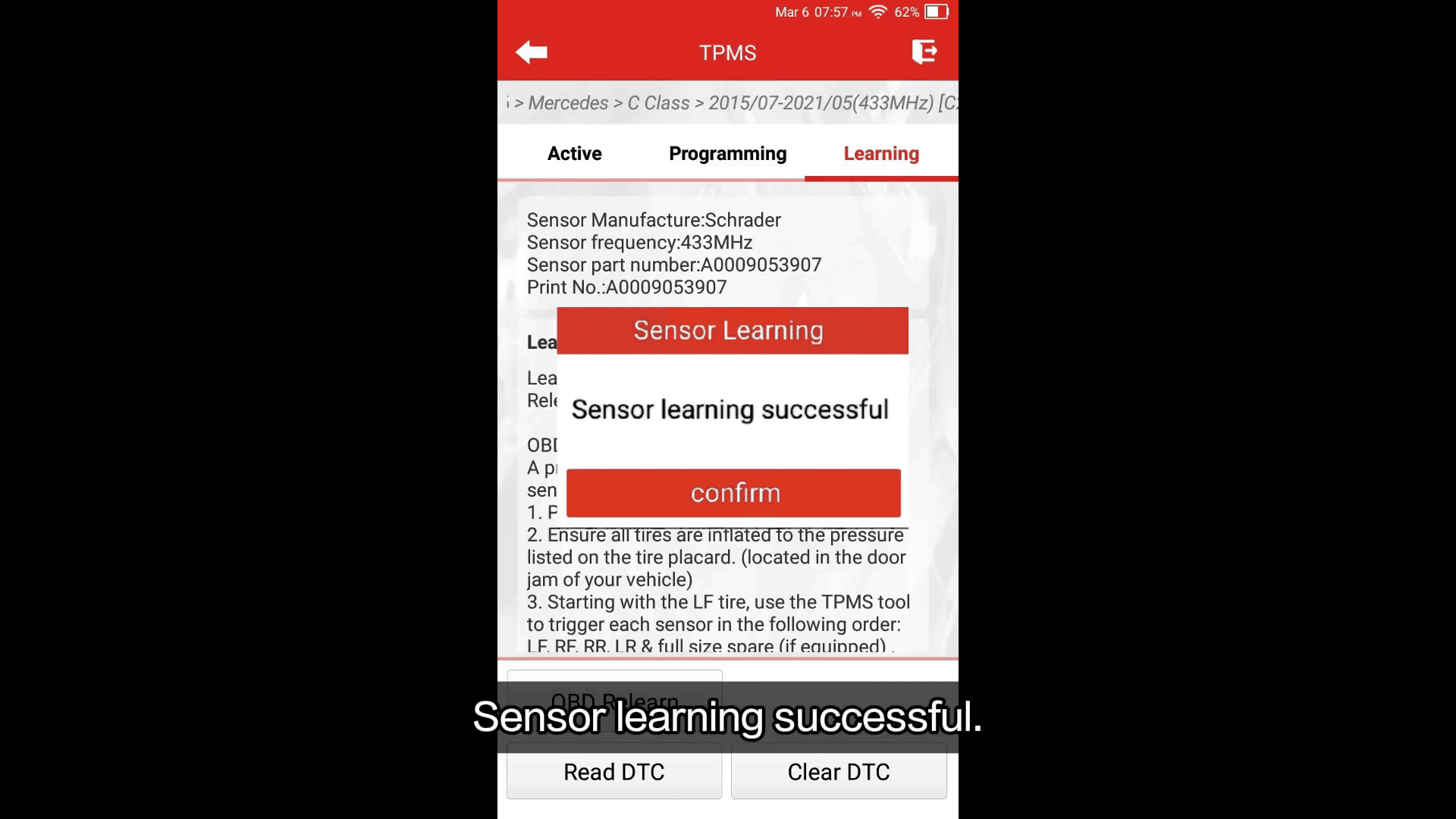
Select [Learning] → [OBD Relearn]
Sensor successfully learned
Final Result
TPMS warning light turns off and pressure data displays normally
If data doesn’t show:
Drive at ≥30 km/h for 15 minutes to complete system calibration
Problem solved—quick and efficient TPMS workflow for Mercedes!
Read also:
How to Activate Launch X431 Tesla Function?
