A customer asked about using a VXDIAG VCX SE with Peugeot 508 Hybrid 2014 and purchasing a PSA DiagBox license. Below are the answers to the most common questions.
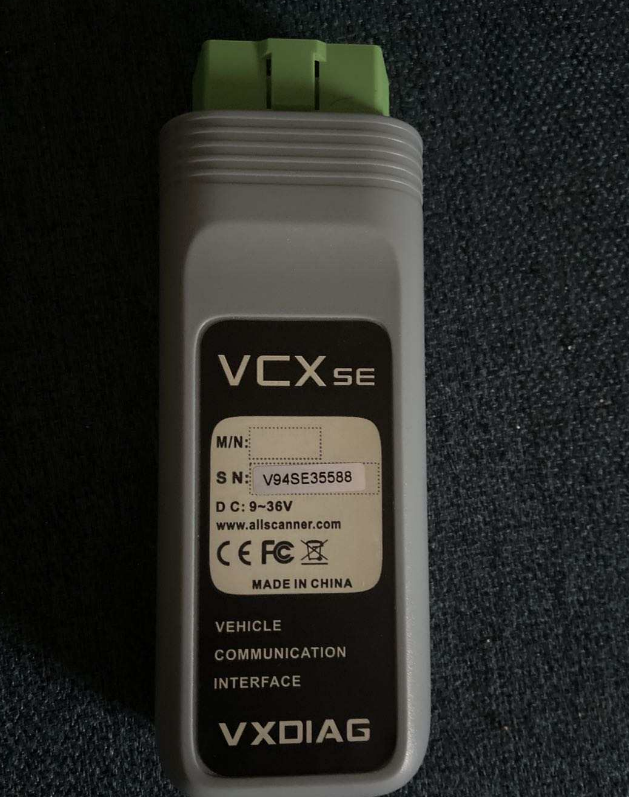
Q: Does VXDIAG VCX SE support Peugeot 508 Hybrid 2014?
A: Yes. The VXDIAG VCX SE hardware supports this vehicle. However, successful diagnosis also depends on using the correct PSA DiagBox software version and a valid software license.
Q: I bought a new PSA DiagBox license. Do I need to enter the activation code from my previous supplier?
A: No. The previous activation code is only used when registering that specific software. If you are installing a new licensed version, simply register it with the new activation code provided for your current software.
Q: Why does the system say the device has already been authorized?
A: This usually means VXDIAG VCX SE OBD2 Diagnostic Tool interface has already been linked to a PSA authorization. It does not necessarily indicate a hardware problem. Complete the software registration with the correct activation code, then verify whether the software works normally.
Q: Is the problem caused by the hardware or the software?
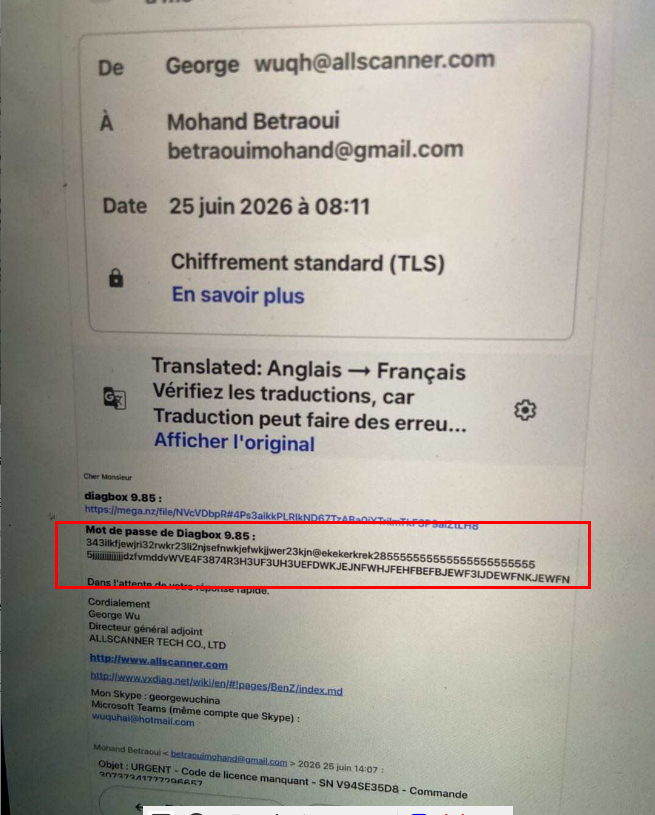
A: In most cases, the hardware is working properly. The issue is generally related to software registration, activation, or license configuration rather than the VCX SE interface itself.
Q: How do I use the activation code?
A: Install the PSA DiagBox software first, then enter the activation code during the software registration process. Once registration is completed successfully, the software will be ready to use.
Q: What should I do if the activation still fails?
A: Check that:
The correct DiagBox version is installed.
The activation code matches your software version.
The software has been registered successfully.
Your VXDIAG VCX SE firmware and drivers are properly installed.
If the problem persists, contact your software supplier for further assistance.
