
In this guide, we demonstrate how to work with a locked Bosch MD1CP006 engine ECU using Boot Mode using OBDSTAR ECU MASTER Configuration A .
Note: Always check the latest OBDSTAR ECU MASTER software and vehicle/ECU coverage before performing any programming operation.
Open OBDSTAR ECU MASTER software and enter ECU Flasher.
Select [ECU Flasher] → [ECM], search for [MD1CP006]
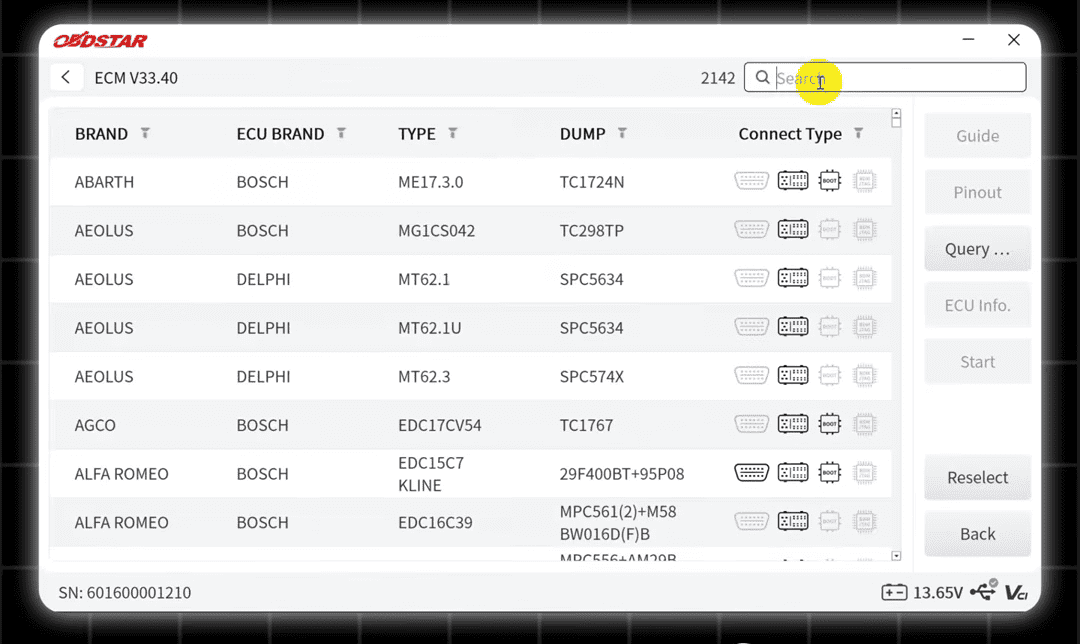
Select the corresponding ECU and choose Boot Mode.
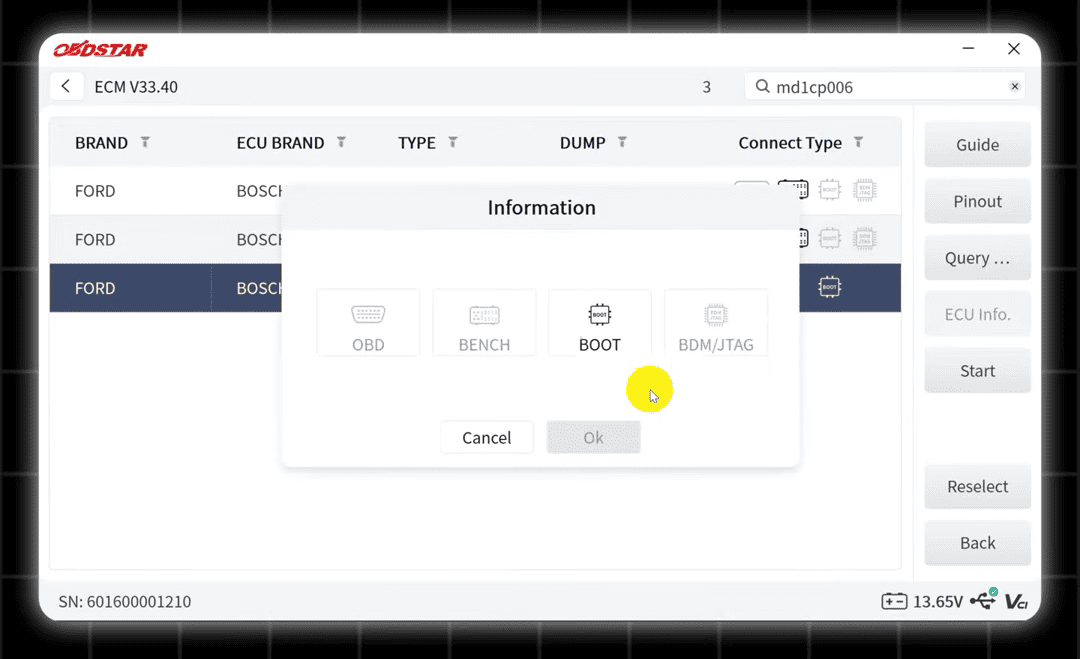
Before connecting the ECU, open the wiring guide provided by the ECU MASTER.
For this Bosch MD1CP006 operation, the ECU needs to be opened so the required harness can be connected according to the PCB pinout.
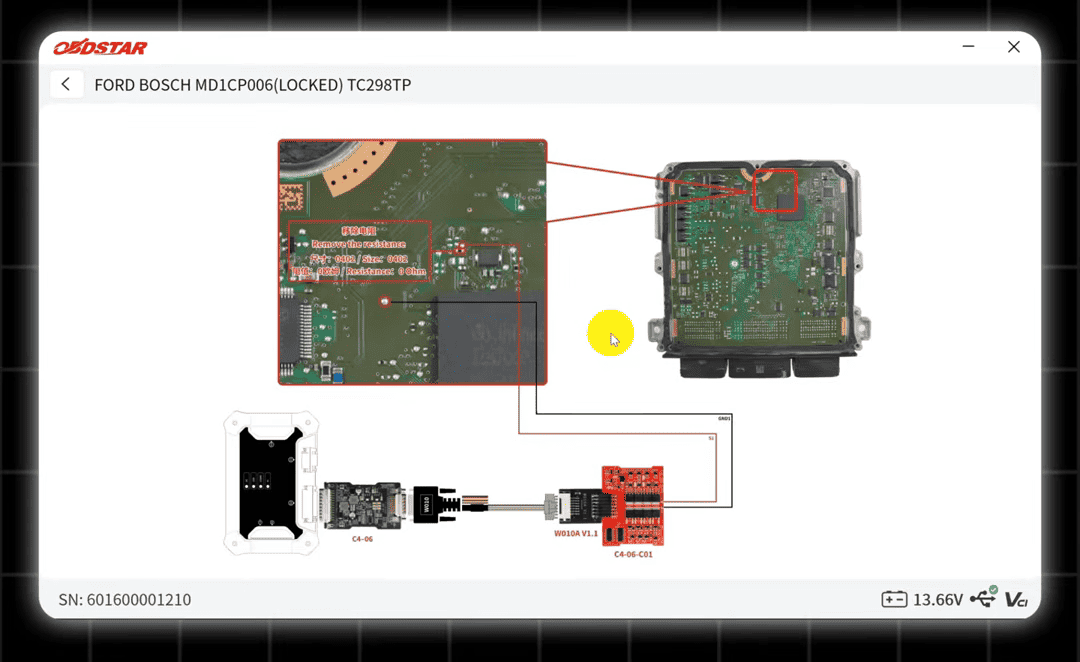
Solder the harness to the correct points on the ECU PCB.
Connect ECU MASTER OBDSTAR to the ECU using the required cables, adapter and jumper wires.
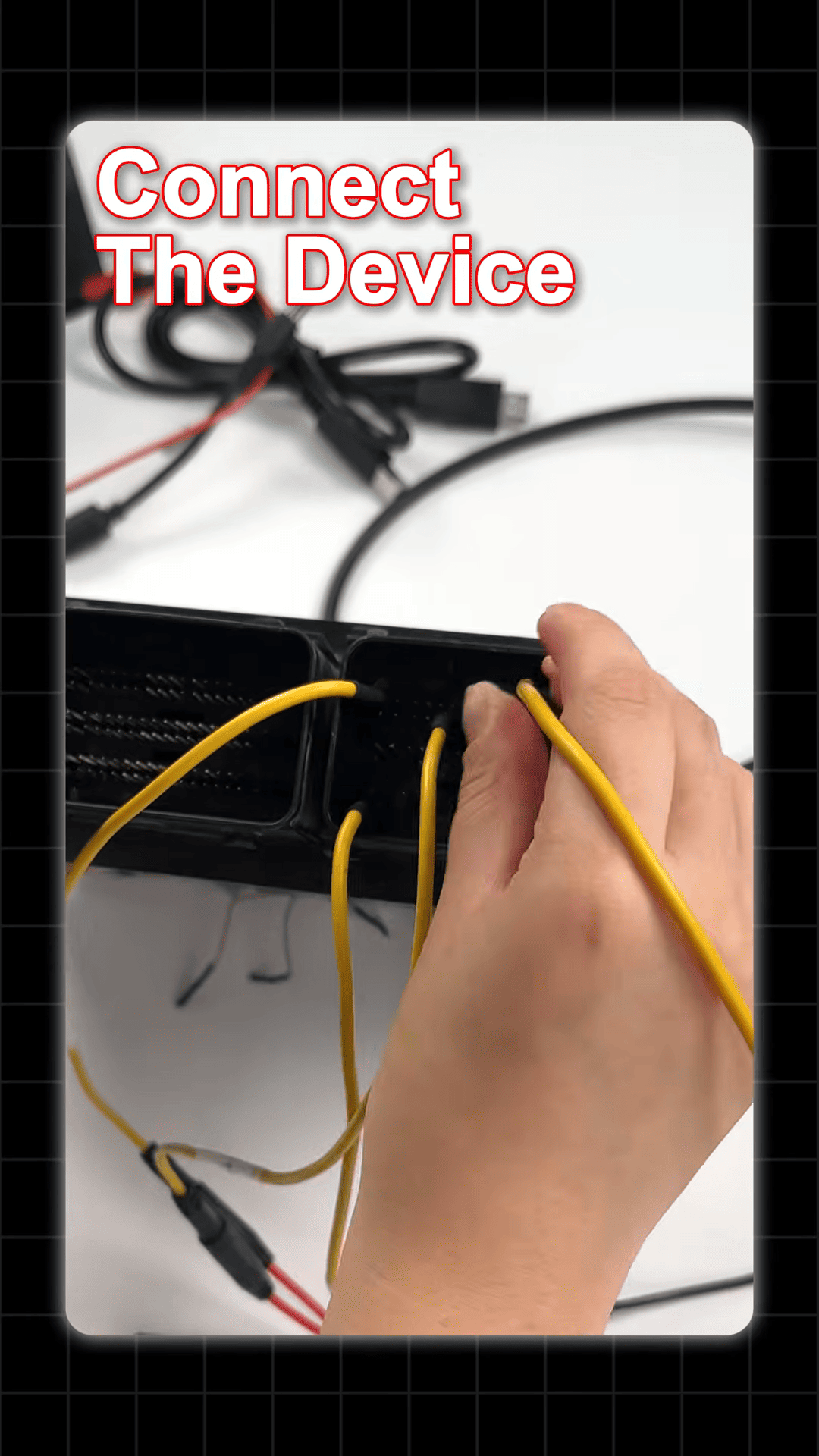
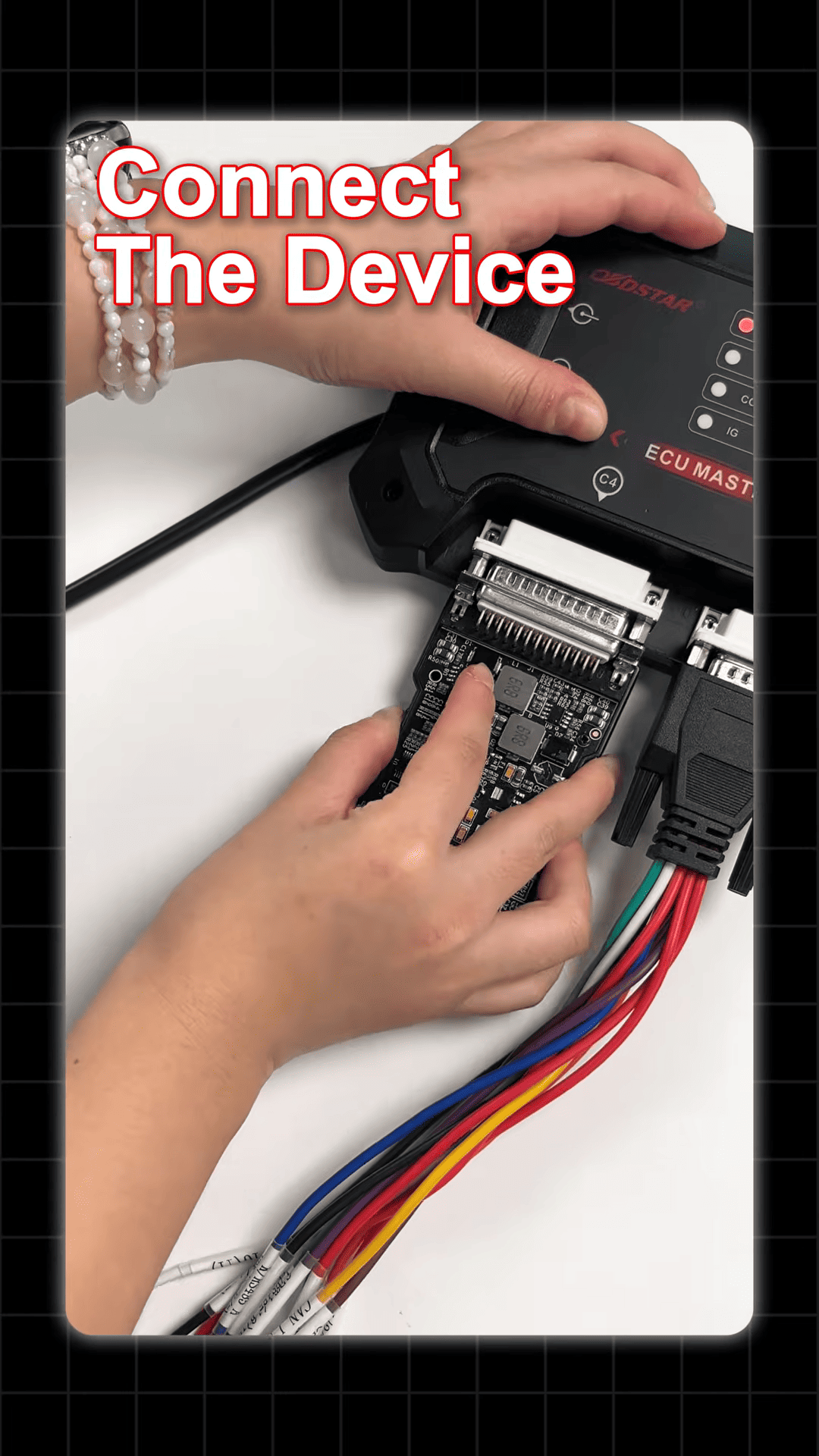
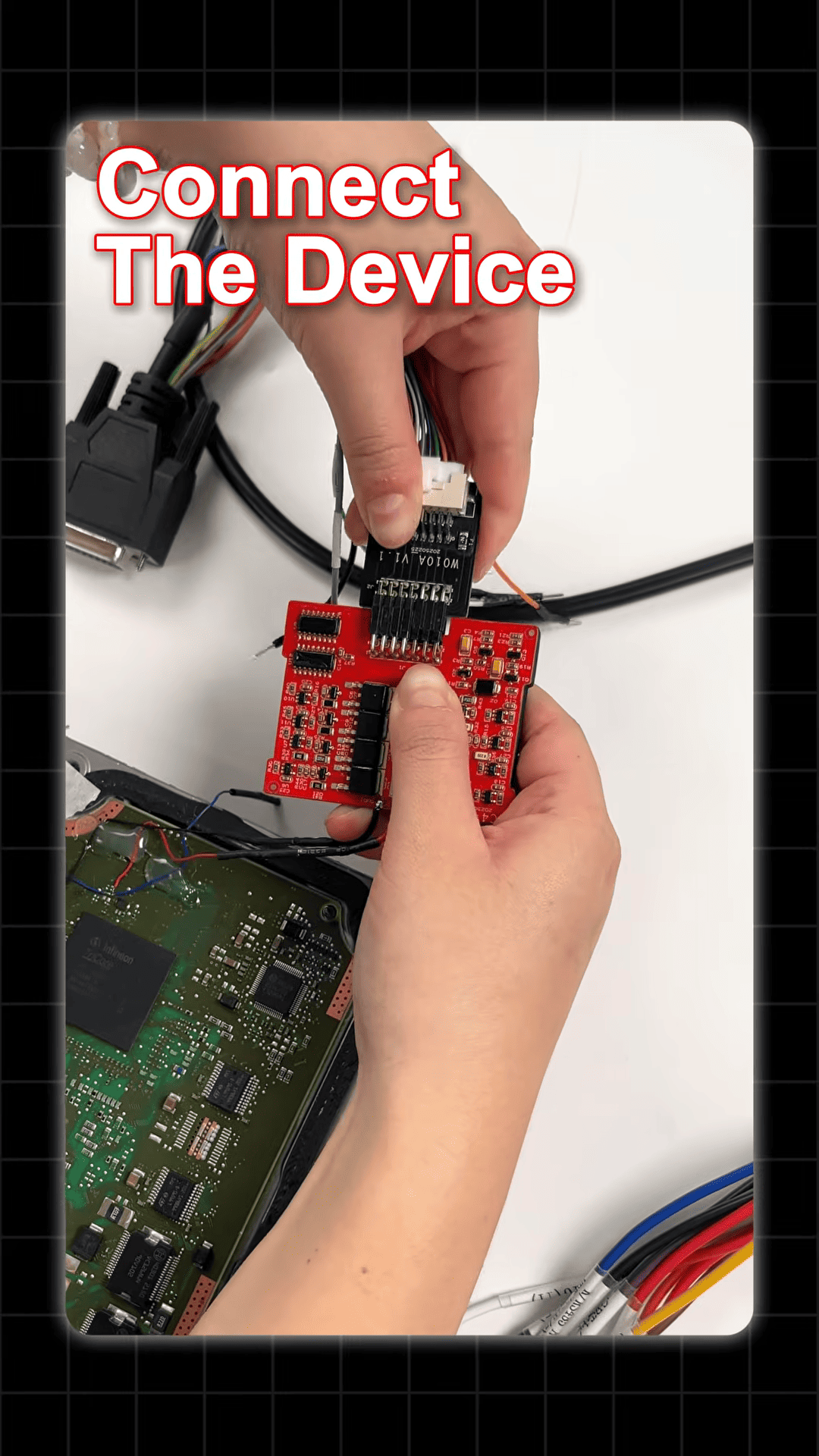
Use a regulated power supply for the bench setup.
Once all connections have been checked, click Connect in the ECU MASTER software.
If the connection is successful, you can continue with the data operation.
Read and Save the Internal Flash
After establishing communication with the MD1CP006, select the read function.
Choose [Read INT FLASH]
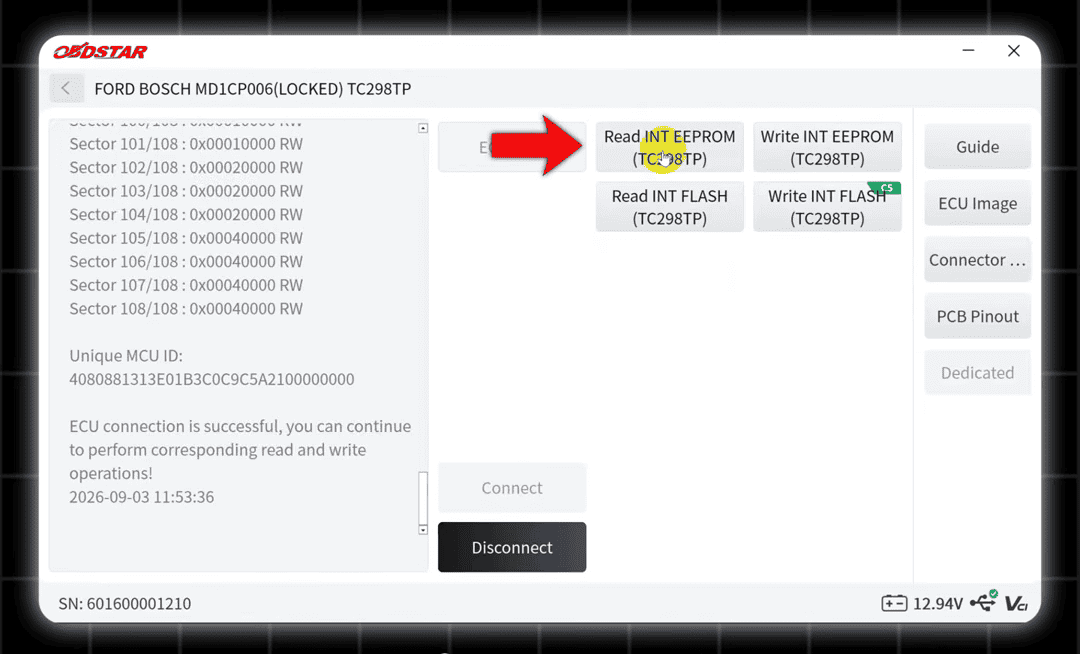
Start the reading process and save the original ECU data.
Backing up the original data before writing is an important step because it provides a copy of the ECU’s original contents for later use when required.
Write the ECU Data
After preparing the required data, select the corresponding write function.
Choose [Write INT Flash]
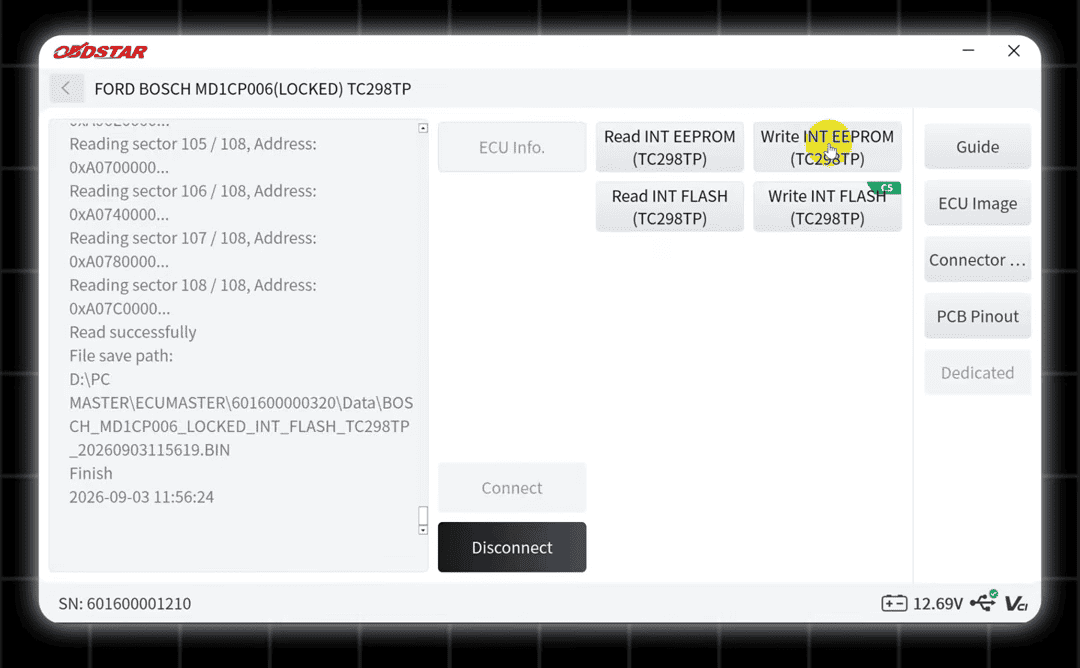
Load the required data and start the writing process.
Done!
