
Losing all keys on a BMW G Series vehicle with a BDC2 system can be a challenging situation. With the right equipment and supported functions, Yanhua ACDP2 can provide an emergency solution for BDC2 key recovery.
What You Need
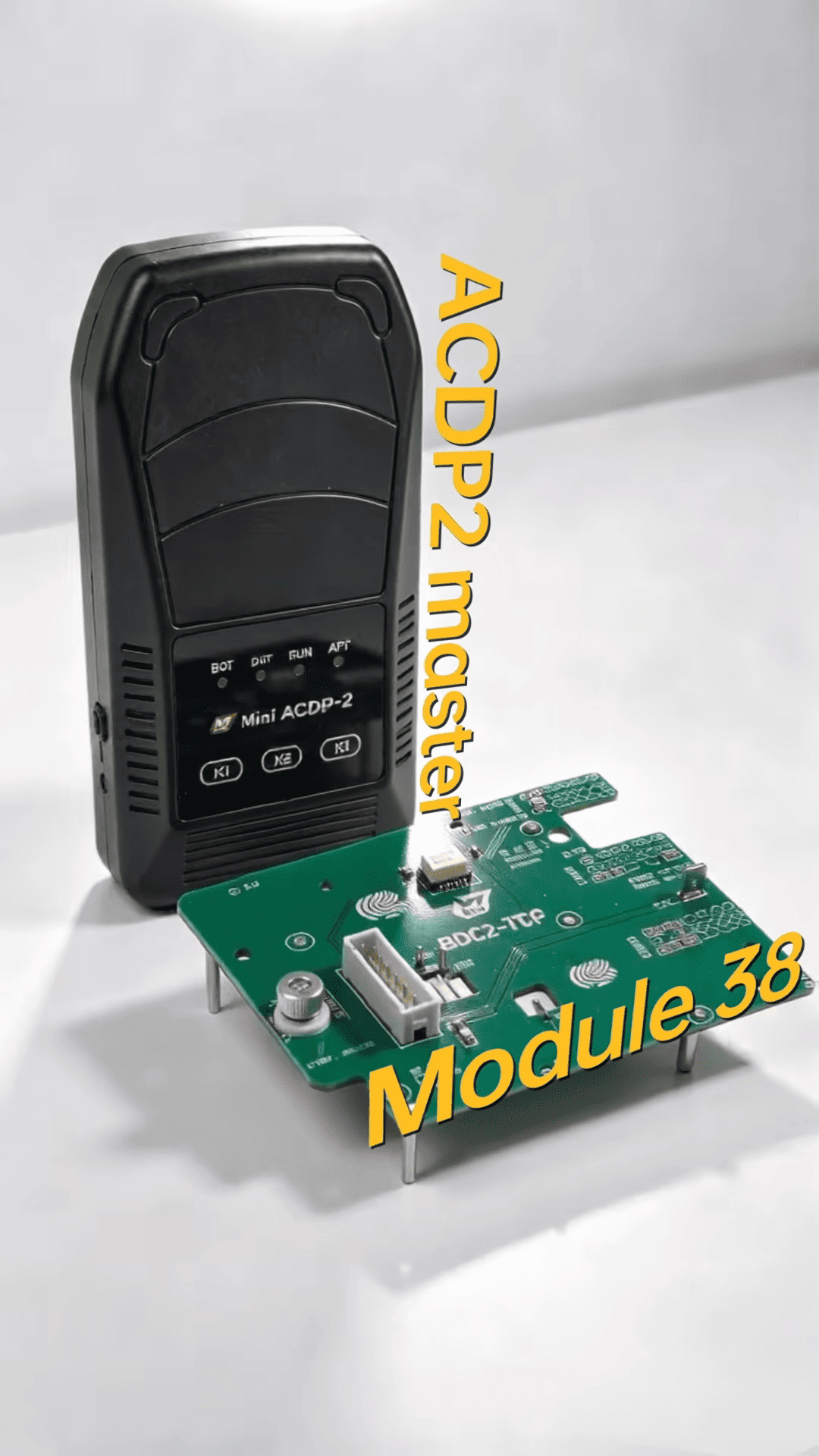
ACDP2 Master
YANHUA Module 38 with BDC2 All Key Lost function
YANHUA Module 3 with ISN reading function, for supported vehicles
B48/B58 bench interface board** for reading DME EEPROM data
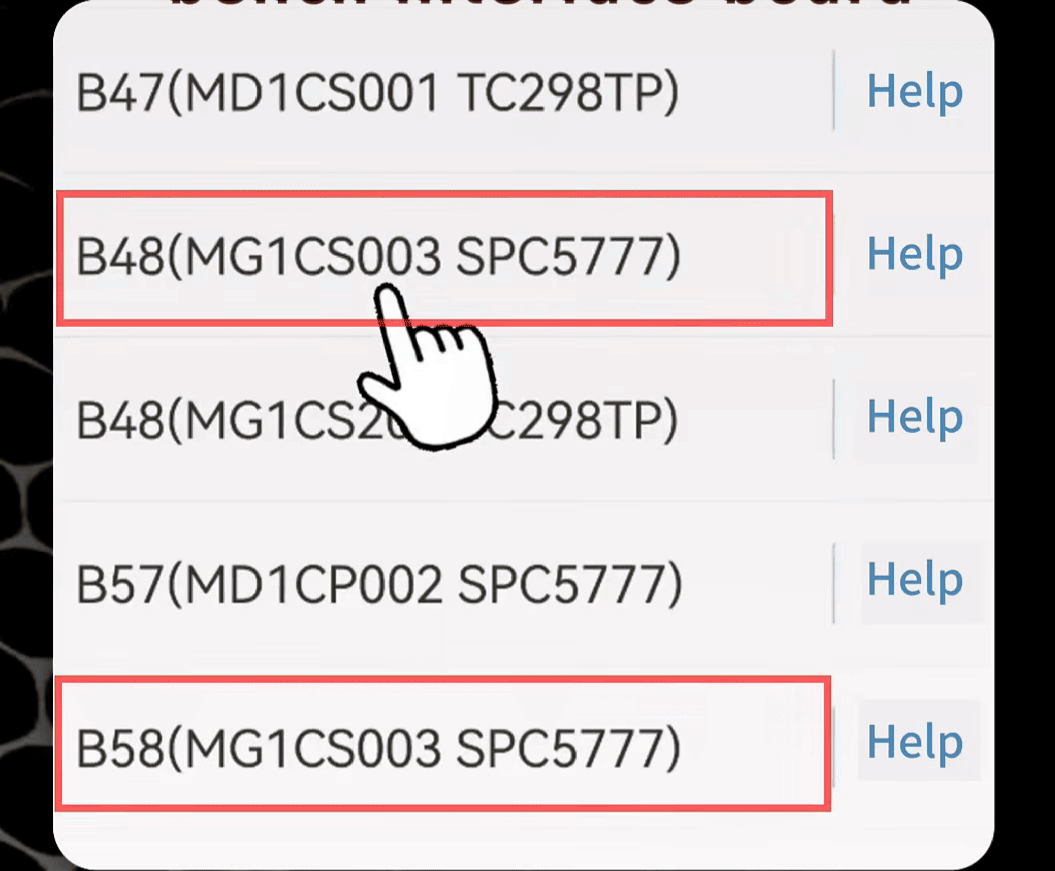
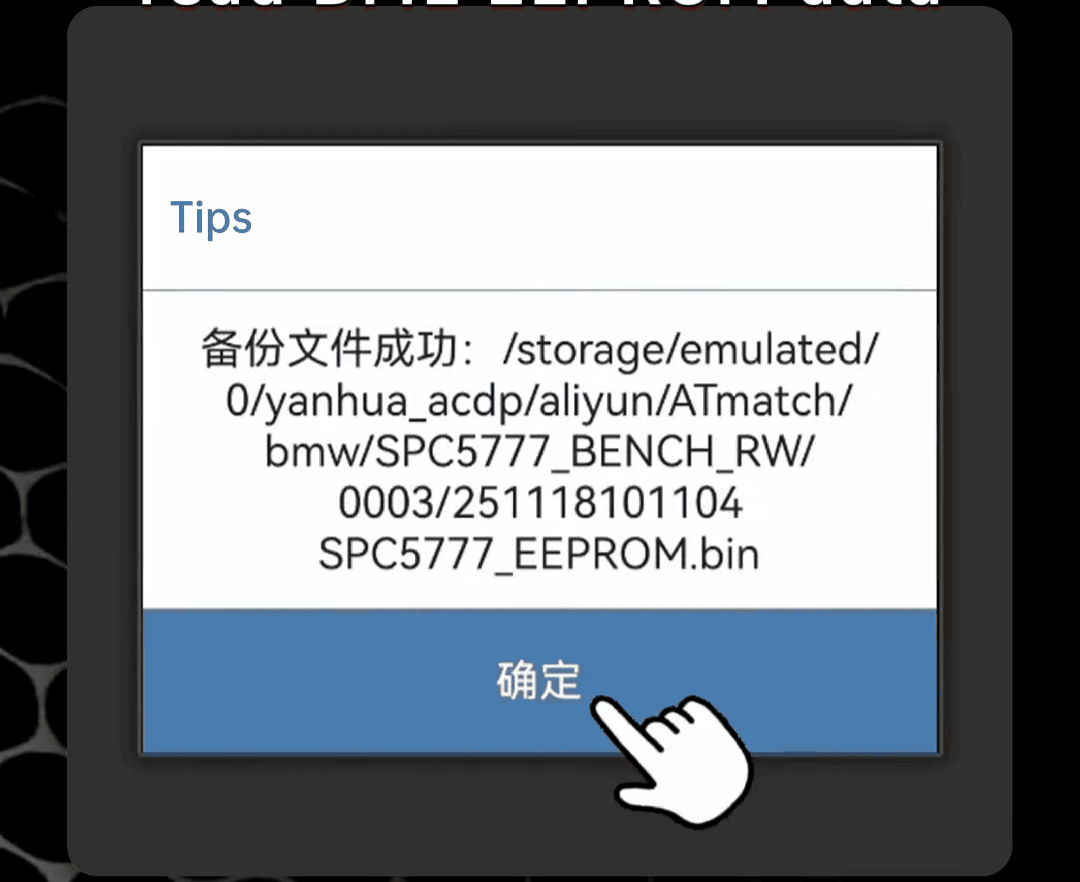
Module 38 is used to access supported BMW immobilizer functions, obtain key data, and perform the BDC2 key learning process.
For supported vehicles, ACDP Module 3 can also be used to read the DME ISN, which is required for certain BDC2 procedures.
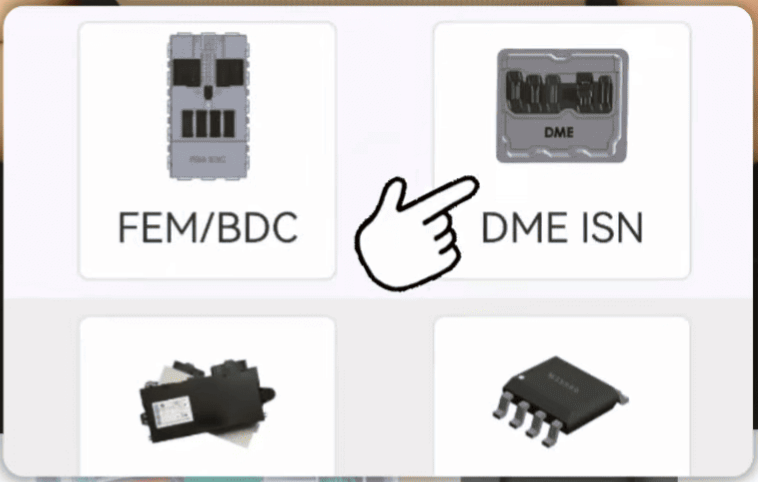
General BDC2 All Key Lost Workflow
1. Read the DME ROM data and obtain the required ISN information.
2. Back up the original BDC2 data carefully.
3. Obtain the necessary key data.
4. Write the required data to the system.
5. Generate a dealer key.
6. Complete the synchronization process.
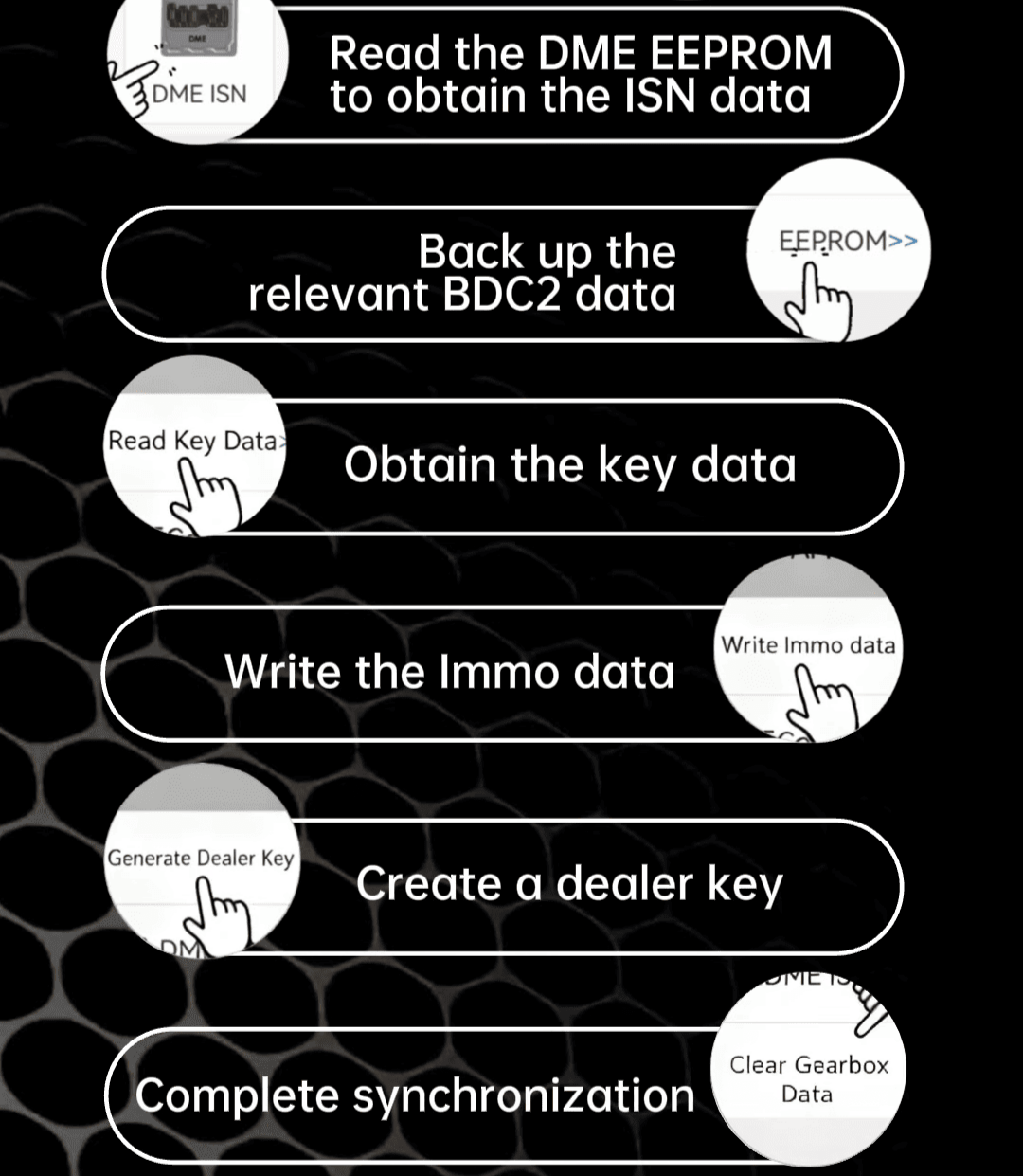
The exact procedure may vary depending on the BMW model, ECU configuration, and supported ACDP2 functions.
Important Notes Before Starting
Before working on a BMW BDC2 system, there are several important points to keep in mind.
Not every BDC2 model is supported. Some vehicles, especially certain EV and hybrid models, may not support the BDC2 All Key Lost function. Always check compatibility before starting.
Always make a complete backup . BMW immobilizer data is extremely important. A proper backup can help reduce the risk of data loss during programming.
Inform the customer about the risks . BDC2 All Key Lost is an emergency solution and is not the same as an official BMW procedure. If the vehicle needs to be restored to its original OEM immobilizer status in the future, BMW support may be required.
