
This article explains how to program a new BMW G-Series key using the APPRO2 Key Programmer.
The process applies to BMW G-Series vehicles equipped with BDC2 modules and supports both bench mode and OBDII operations.
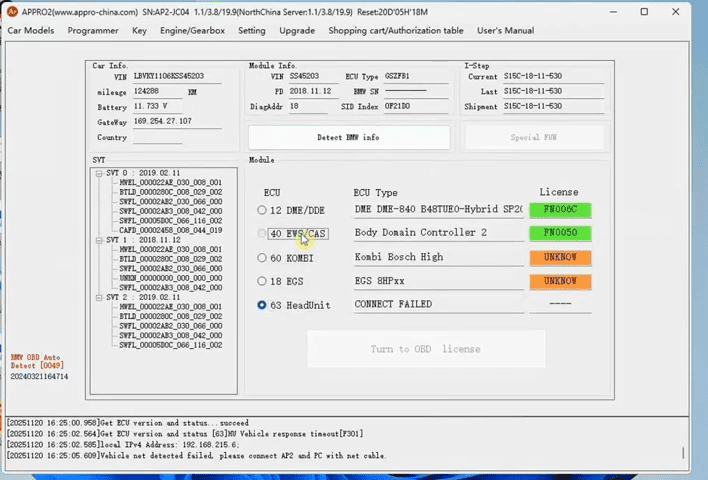
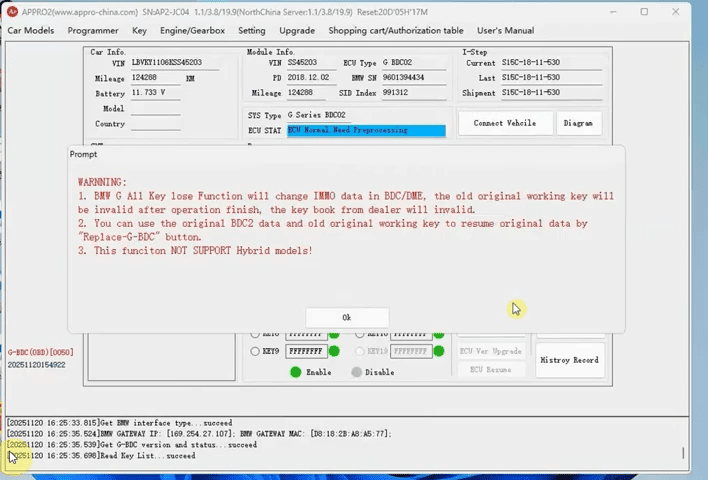
To begin, use the APPRO2 Full Version to read and save the BDC2 data (GxxBdcData) under BMW → BDC2 (G-Serial) [0050]. Next, back up the DME/DDE EEPROM using EngineTool → BMW → B48B58 / B48C. This backup is critical because the IMMO data stored inside the DME will change once the new key is programmed.
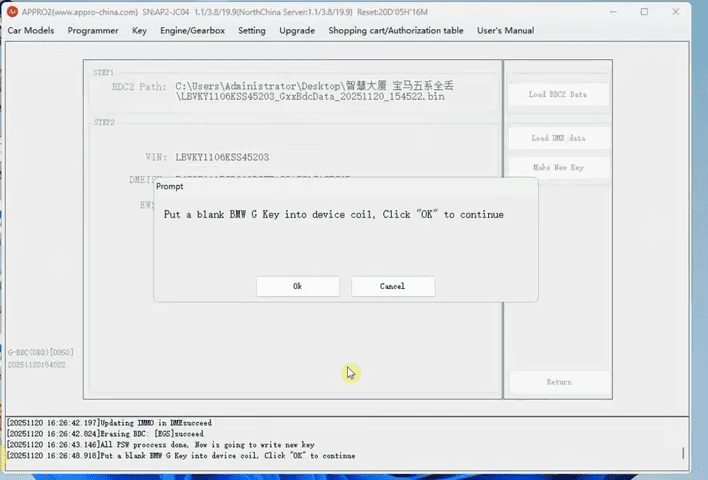
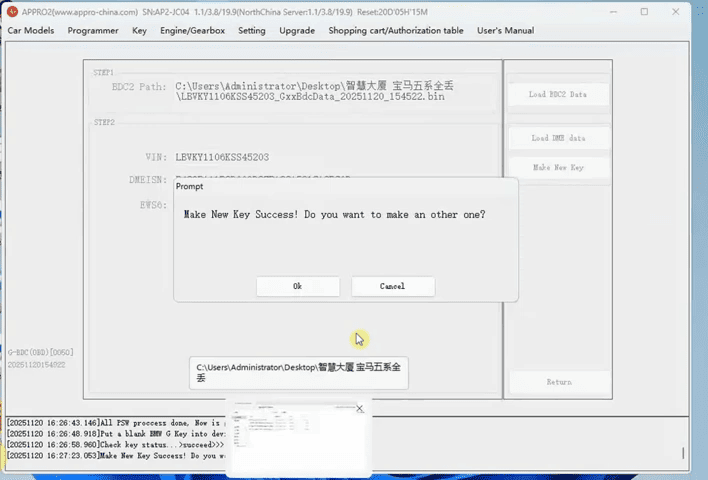
After preparing a new BMW G-Series blank key, follow the on-screen instructions in the video to complete the programming. Once all steps are finished, reinstall the BDC2 and DME modules in the vehicle, then add the newly programmed key through OBDII.
Important notes:
– After programming, the original working key and dealer key book will become invalid.
– To restore the vehicle to its original state, use the saved BDC2 data and the original key with the Replace G BDC function.
– Hybrid BMW models are not supported.
The APP2 Full Version Key Programmer offers a reliable and professional solution for BMW G-Series key programming.
Following the same procedure shown in the video tutorial:
