
Full diagnostic access on modern VAG (Volkswagen, Audi, Seat, Skoda) vehicles requires unlocking SFD (Schutz Fahrzeug Diagnose) protected gateways. We’ll use TOPDON Phoenix Plus as an example to demonstrate how to unlock VAG, SFD, and SGW.
When you connect the TOPDON Phoenix Plus to an SFD-equipped vehicle, the system automatically displays your current unlock permission status. If it shows “No unlock permission,” follow these steps:
1. Tap “Buy Now” to purchase SFD SGW access. Complete the payment – activation usually occurs within 10 minutes (note: no refunds after purchase).

2. Return to the Gateway Information page to verify your new permission status and validity period.

3. Tap “Next” and log in to your TOPDON account.
4. Enable two-factor authentication (2FA)as prompted and save the backup code for future recovery.
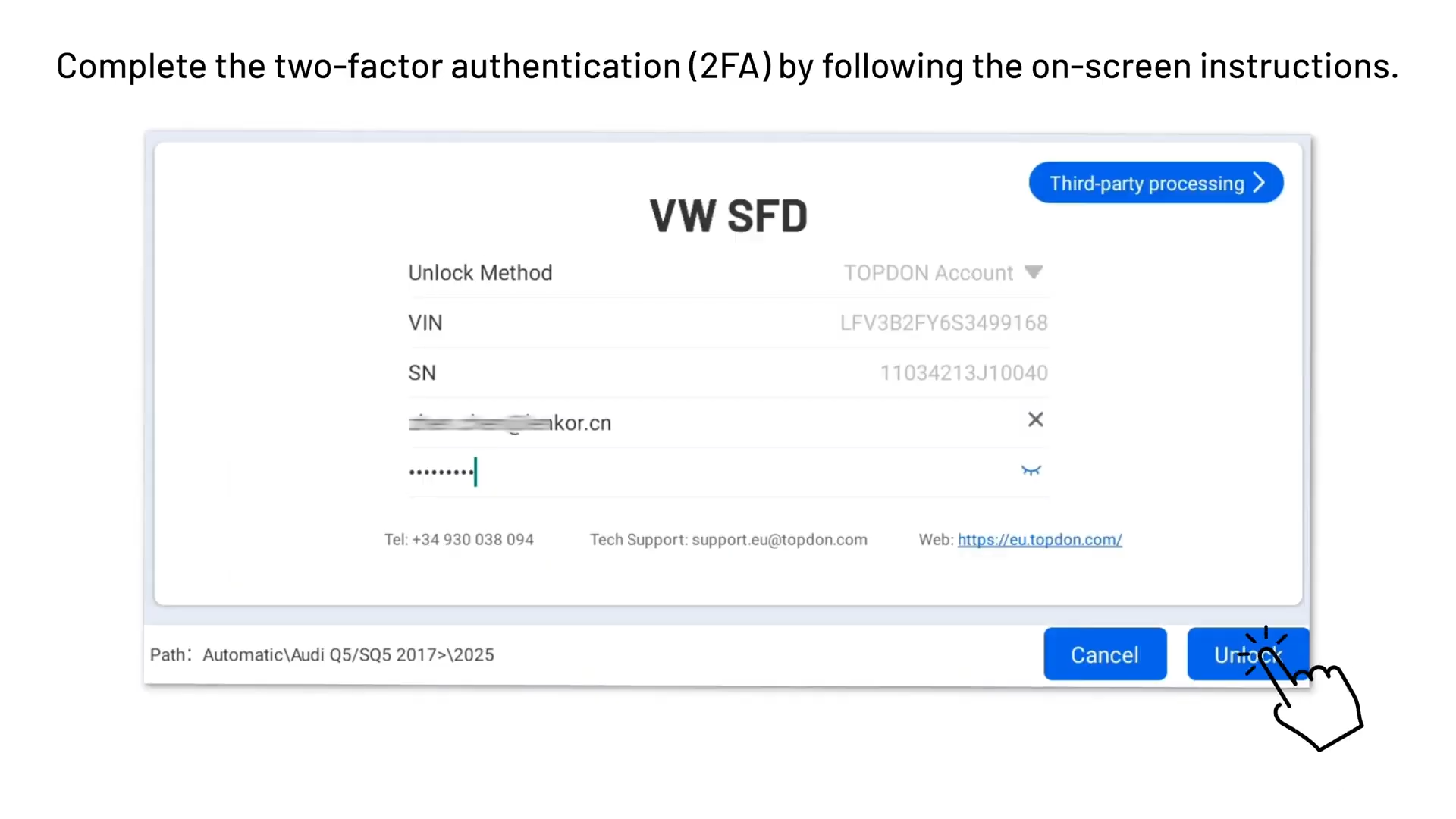
5. Provide personal details and upload clear photos of your ID card (from album or camera).
6. Once verified (one-time process only), you’ll see “SFD unlock successful!”

After successful unlock, a temporary fault code (B184C00 – enable activation) may appear – it clears automatically when the SFD timeout expires.
With Phoenix Plus 2, you gain fast, reliable access to protected VAG systems without complications. ID verification is required only once – no re-uploads needed after approval.
Here is the complete step-by-step guide on how to unlock VAG SFD SGW. If you still have problems with these steps, please visit the complete video:
Or feel free to contact us
WhatsApp: +86 150 0270 5698
Skype: cardiag.co.uk
E-Mail: sales@CardiagTool.co.uk
