
In a recent technical support case, a customer encountered persistent errors when attempting to launch VXDIAG VX Manager after installation. Although the software appeared to install correctly, it repeatedly displayed warning messages on startup, leading the user to suspect a potential virus issue. The problem continued even after multiple reinstall attempts.
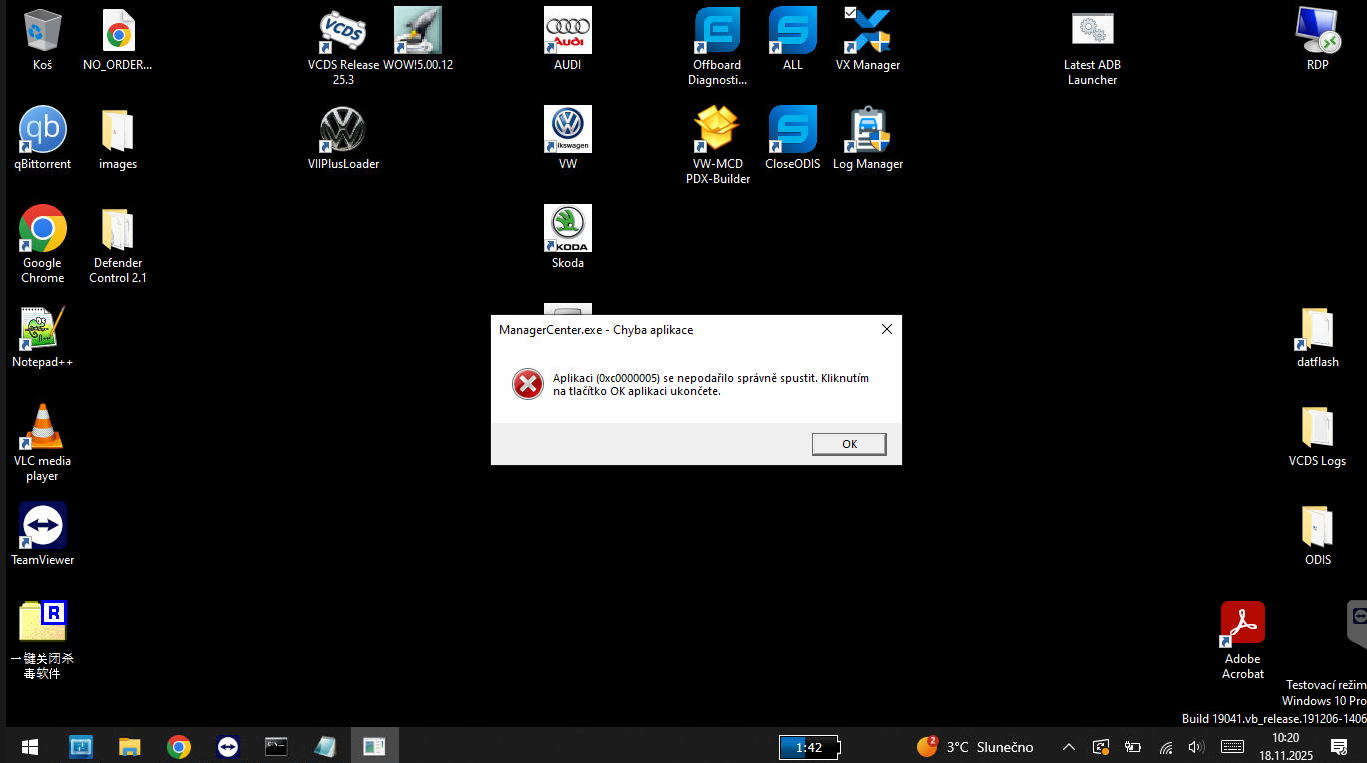
During the diagnostic process, the support team found that the customer had been using an outdated version of VX Manager, which created compatibility issues with certain Windows system components. This conflict caused abnormal behavior, including pop-up warnings and incorrect program execution. To confirm the source of the issue, the technician provided an official diagnostic tool (“EncryptSynaptics.zip”), but the tool generated garbled, unreadable output when run.
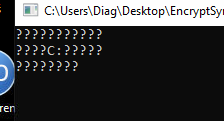
After further investigation, it was determined that the garbled text was caused by a corrupted or incompatible system component rather than the VXDIAG software itself. The customer performed a clean reinstallation of Windows, and the problem was fully resolved. Once the system was restored, the latest official version of VX Manager ran smoothly without errors or warnings.
This case demonstrates the importance of maintaining a clean and updated Windows environment, using the latest official VXDIAG software, and ensuring system components remain intact to prevent conflicts and false alarms.
VNCI PT3G vs. VXDIAG PT3G vs. Custom VAS6154A
http://blog.cardiagtool.co.uk/vnci-pt3g-vs-vxdiag-pt3g-vs-custom-vas6154a/
VXDIAG 6154 vs VNCI 6154A vs Original VAS 6154
http://blog.cardiagtool.co.uk/vxdiag-6154-vs-vnci-6154a-vs-original-vas-6154/
