Xhorse VVDI Key Tool Plus is a powerful solution for advanced VW key programming. In this guide, we demonstrate how to use Xhorse VVDI Key Tool Plus to add a VW MQB49 5D key, including reading original key data, generating a dealer key, and completing key matching.
Required Tools for Xhorse VVDI Key Tool Plus Operation
To perform VW MQB49 5D key programming with Xhorse VVDI Key Tool Plus, you will need:
VVDI Key Tool Plus
VW 5D dedicated adapter
Original vehicle key
New key (OEM or VVDI key)
Step 1: Read Original Key Data with Xhorse VVDI Key Tool Plus
Remove the original key and read its information
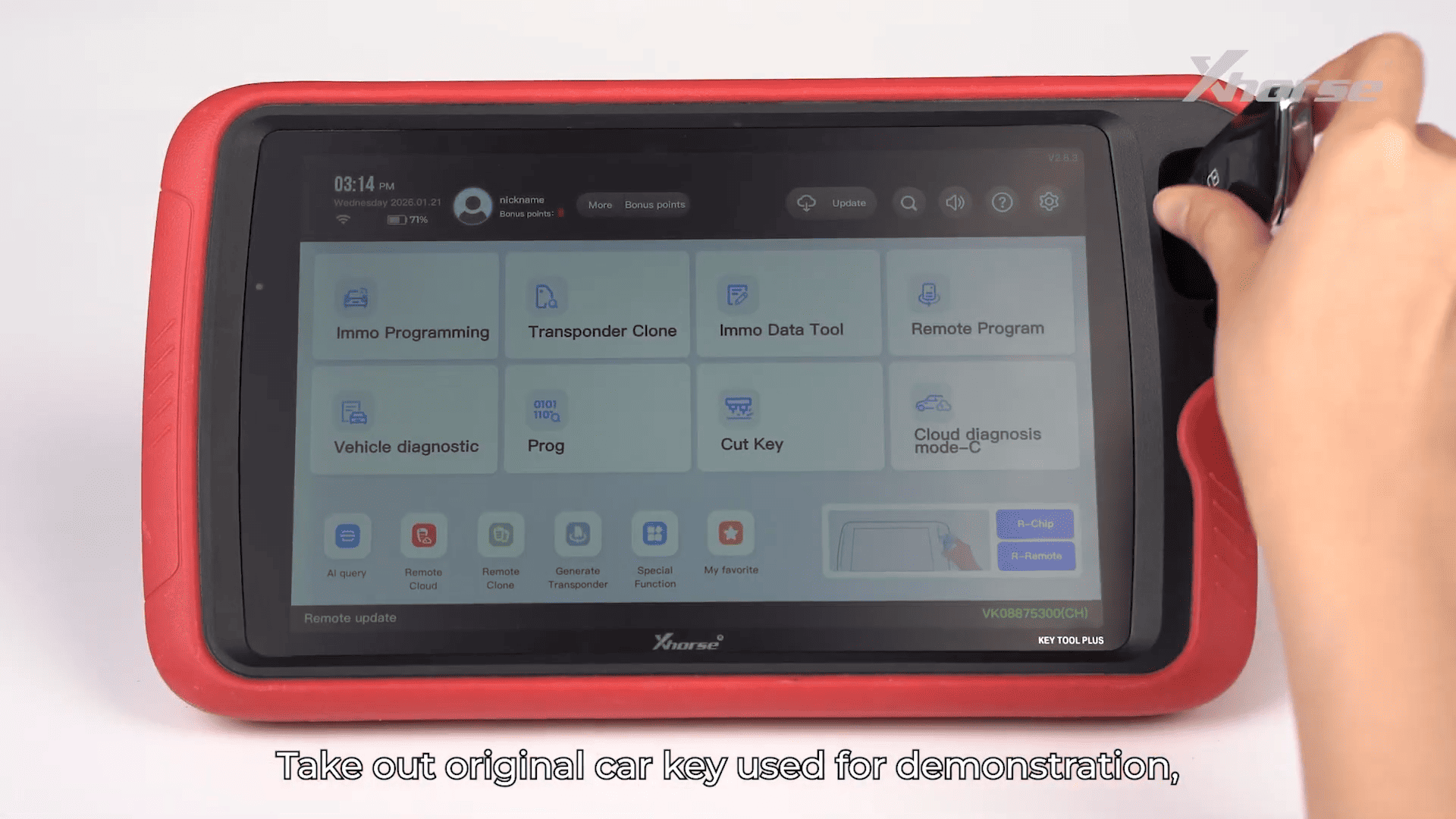
Enter IMMO Programming on Xhorse VVDI Key Tool Plus
Select MQB49 5D Key Dismantling and Reading
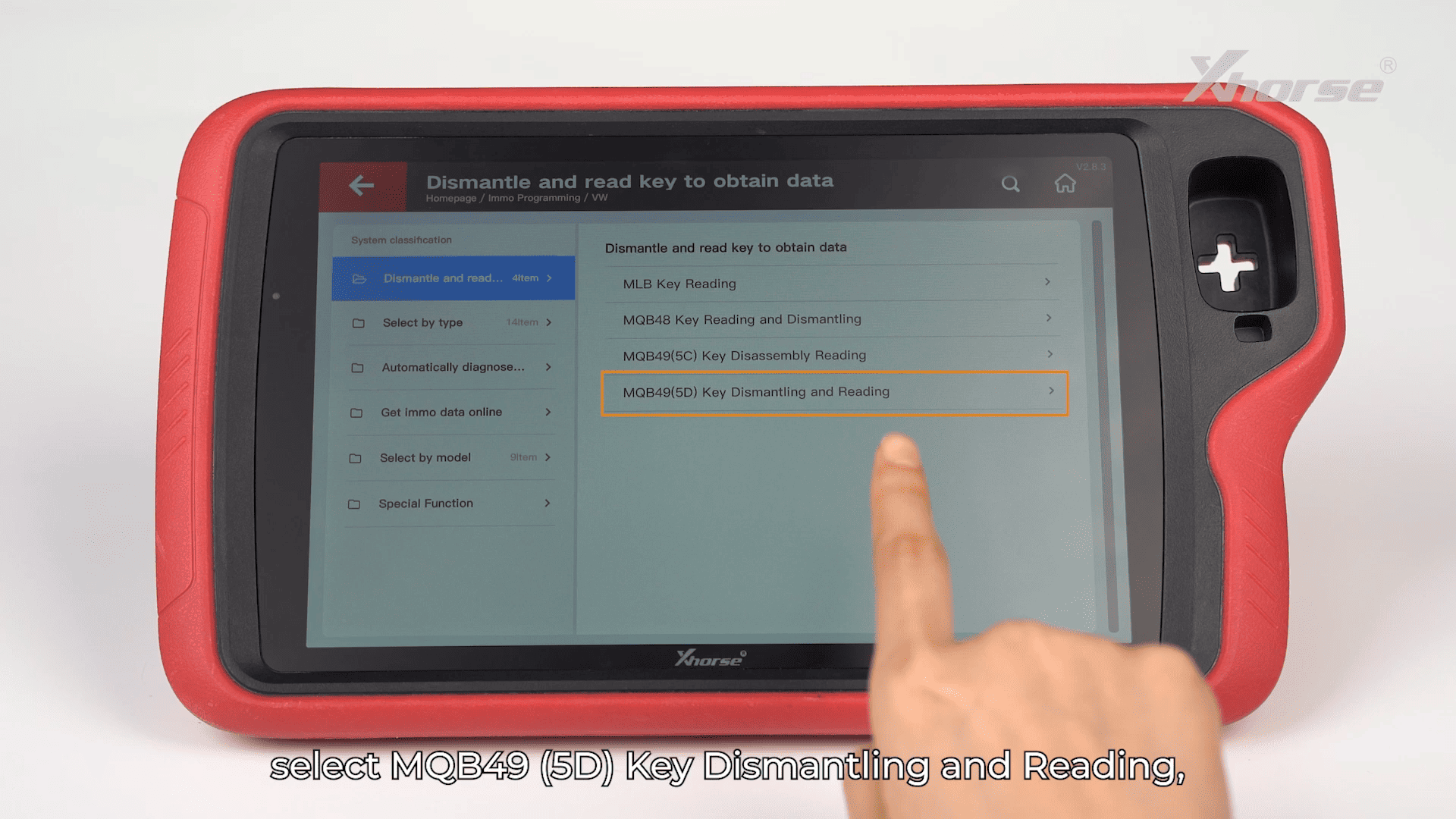
Disassemble the key and remove the PCB
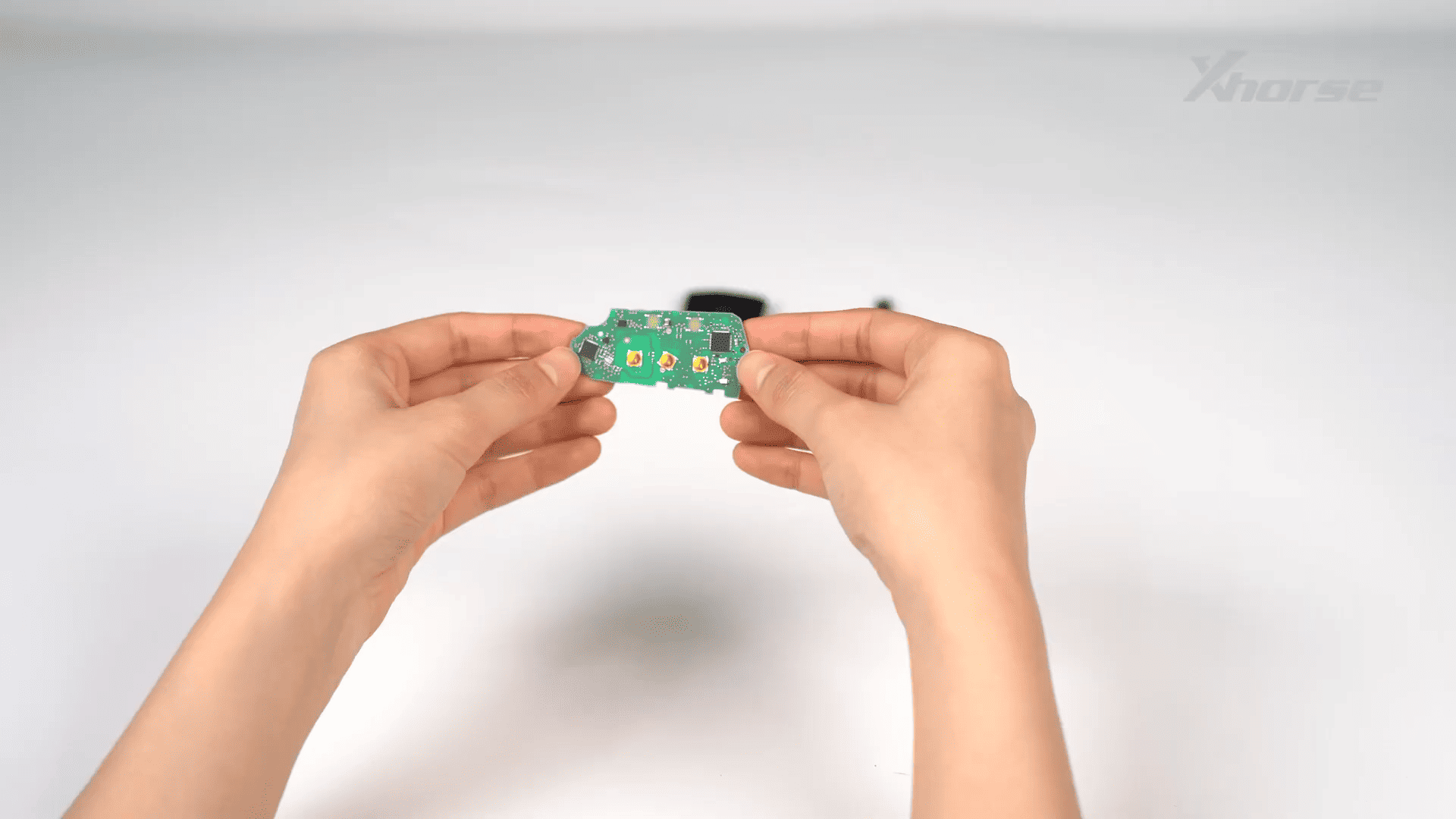
Mount the PCB onto the 5D adapter
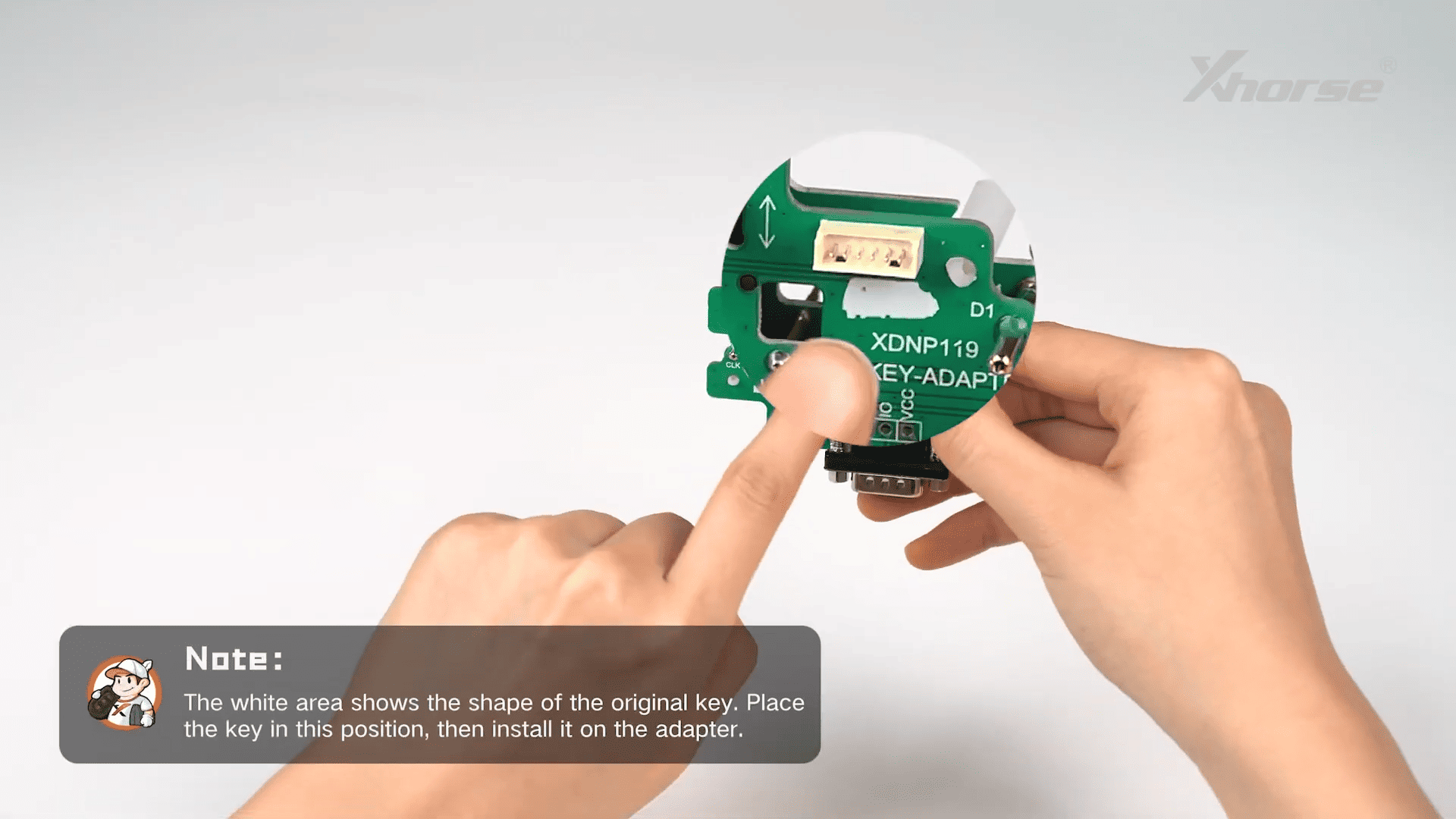
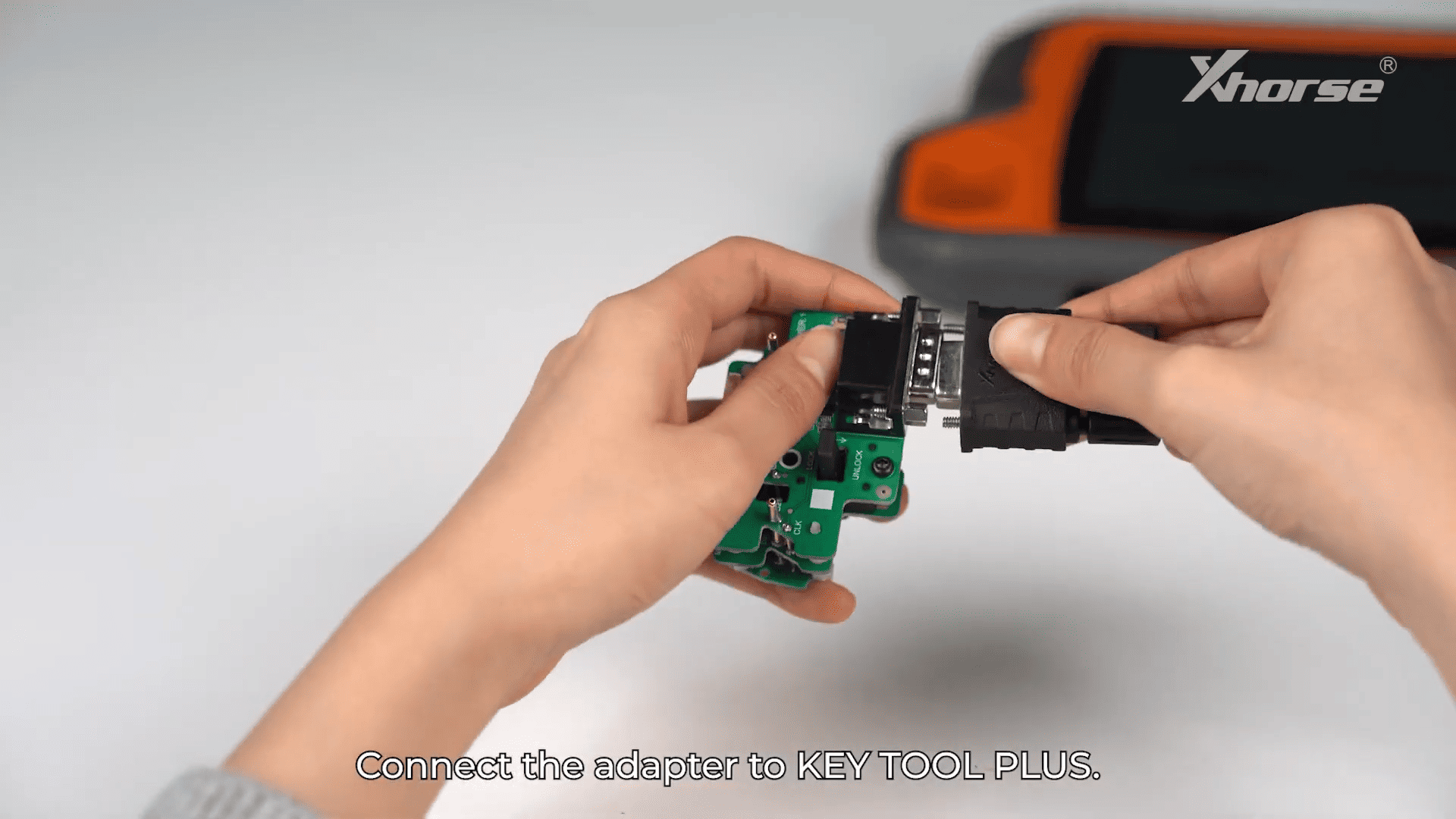
Connect the adapter to Xhorse VVDI Key Tool Plus
Tap Read and save key data
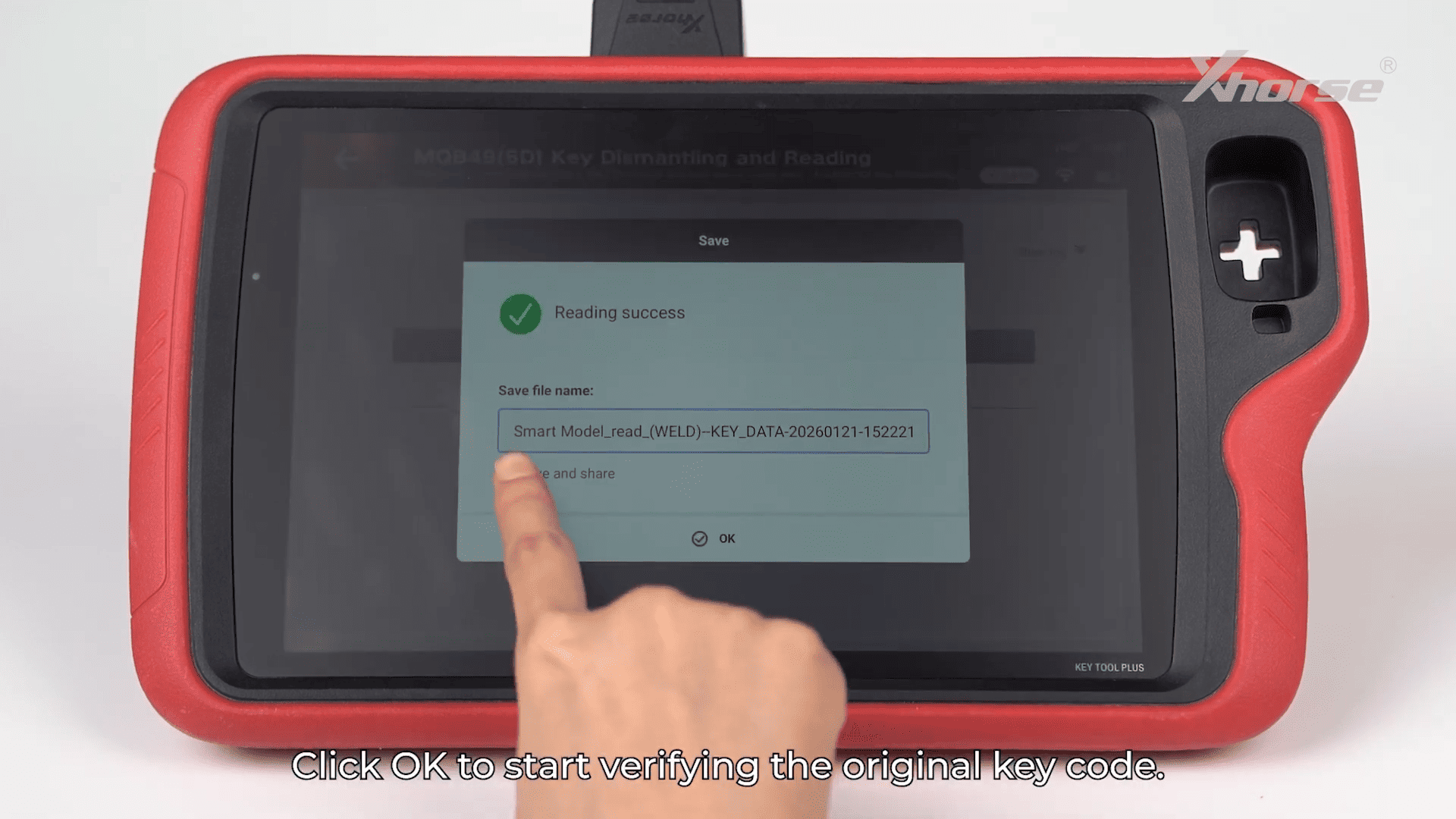
Step 2: Verify Original Key
Remove the key from the adapter
Place it into the device coil
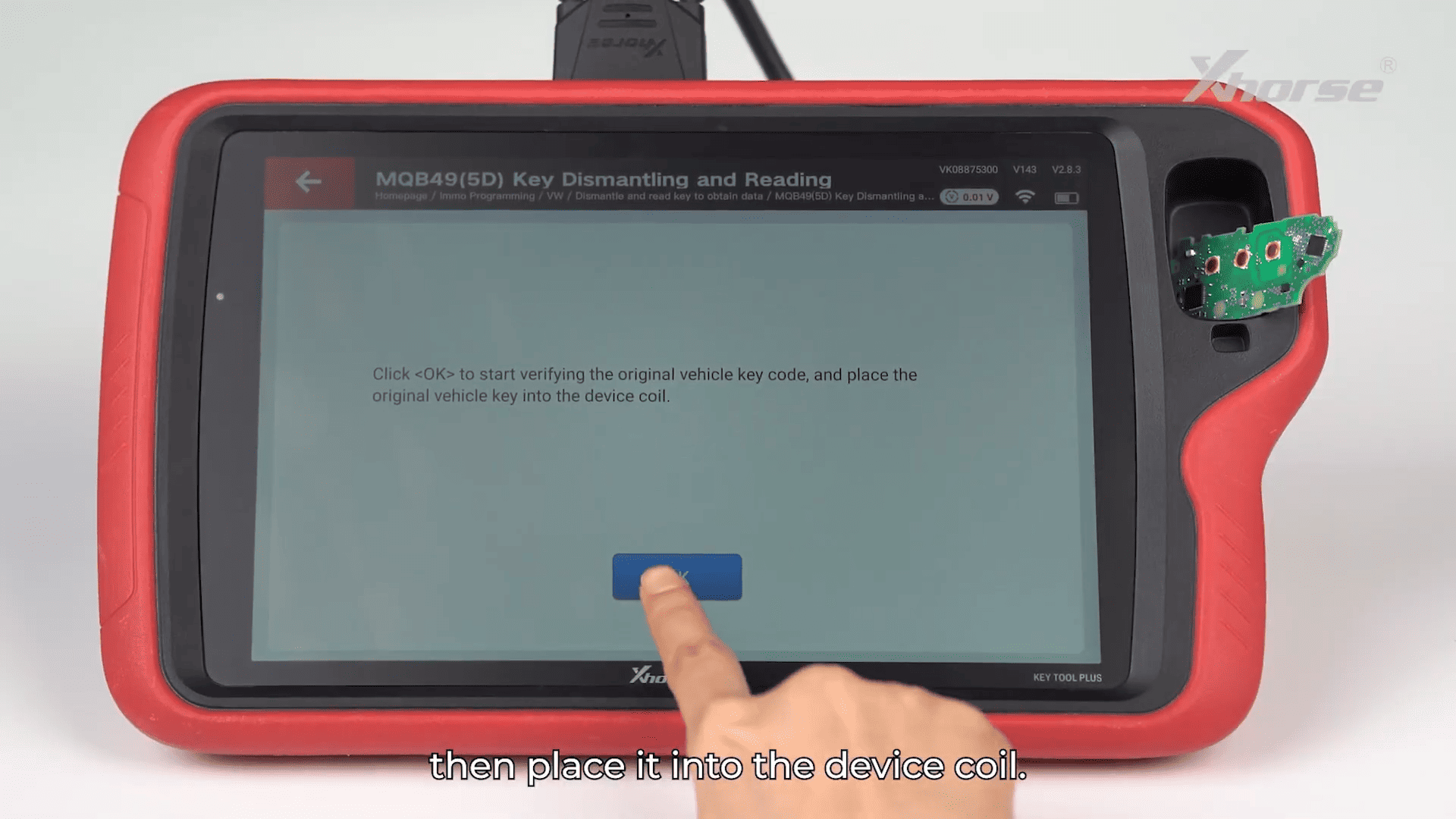
Perform key verification
Confirm successful crypto verification
Step 3: Generate Dealer Key
Method 1: Generate from Original Key
Load the previously saved key file
Mount original key PCB on adapter
Start key generation
Method 2: Generate VVDI Key
Select VVDI key option
Load saved key file
Place VVDI key into device coil
Generate key successfully
Step 4: Key Matching and Learning
Place original key into vehicle sensing coil
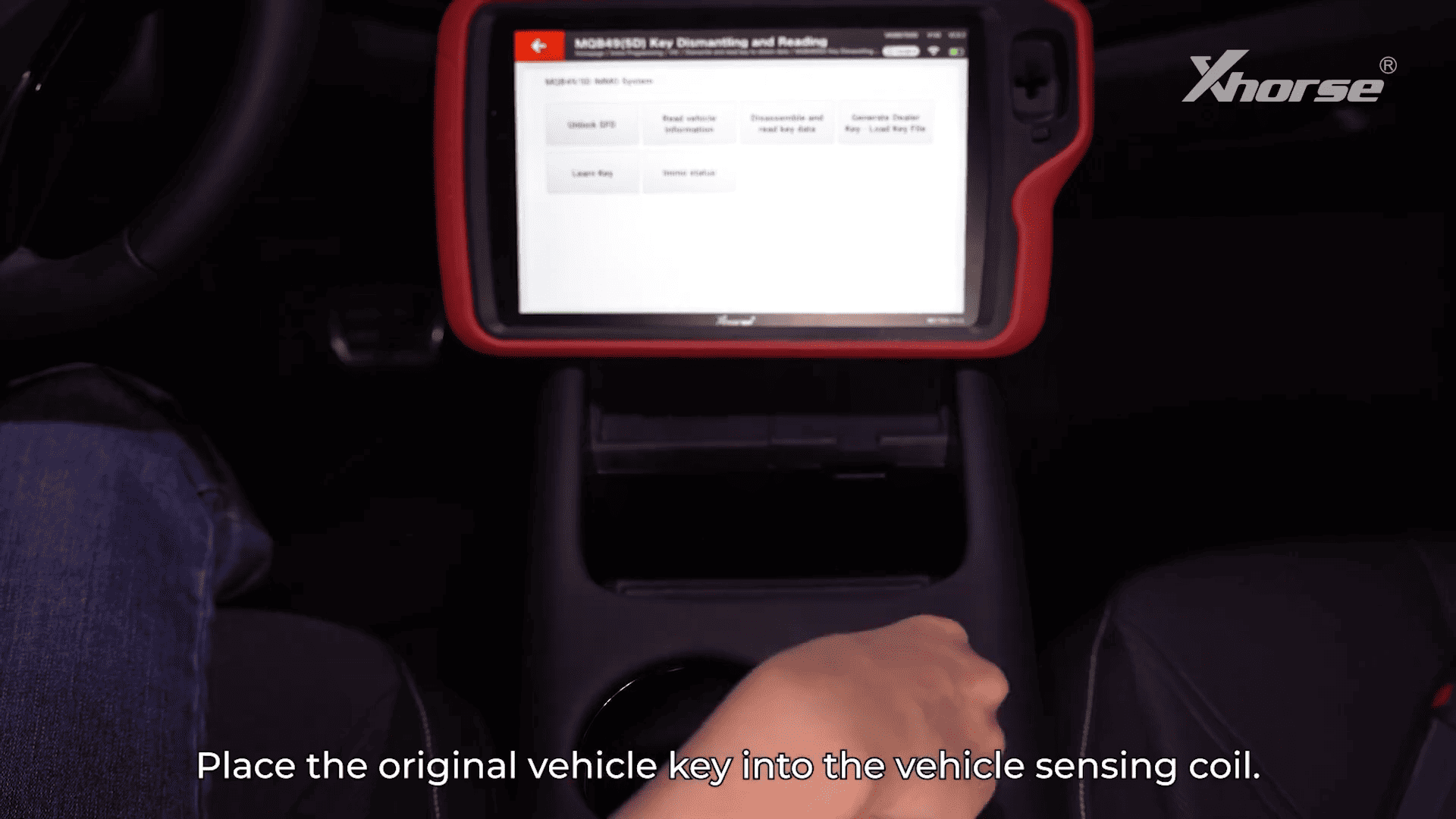
Select Learn Key on Xhorse VVDI Key Tool Plus
Load saved key file
Input number of keys to learn
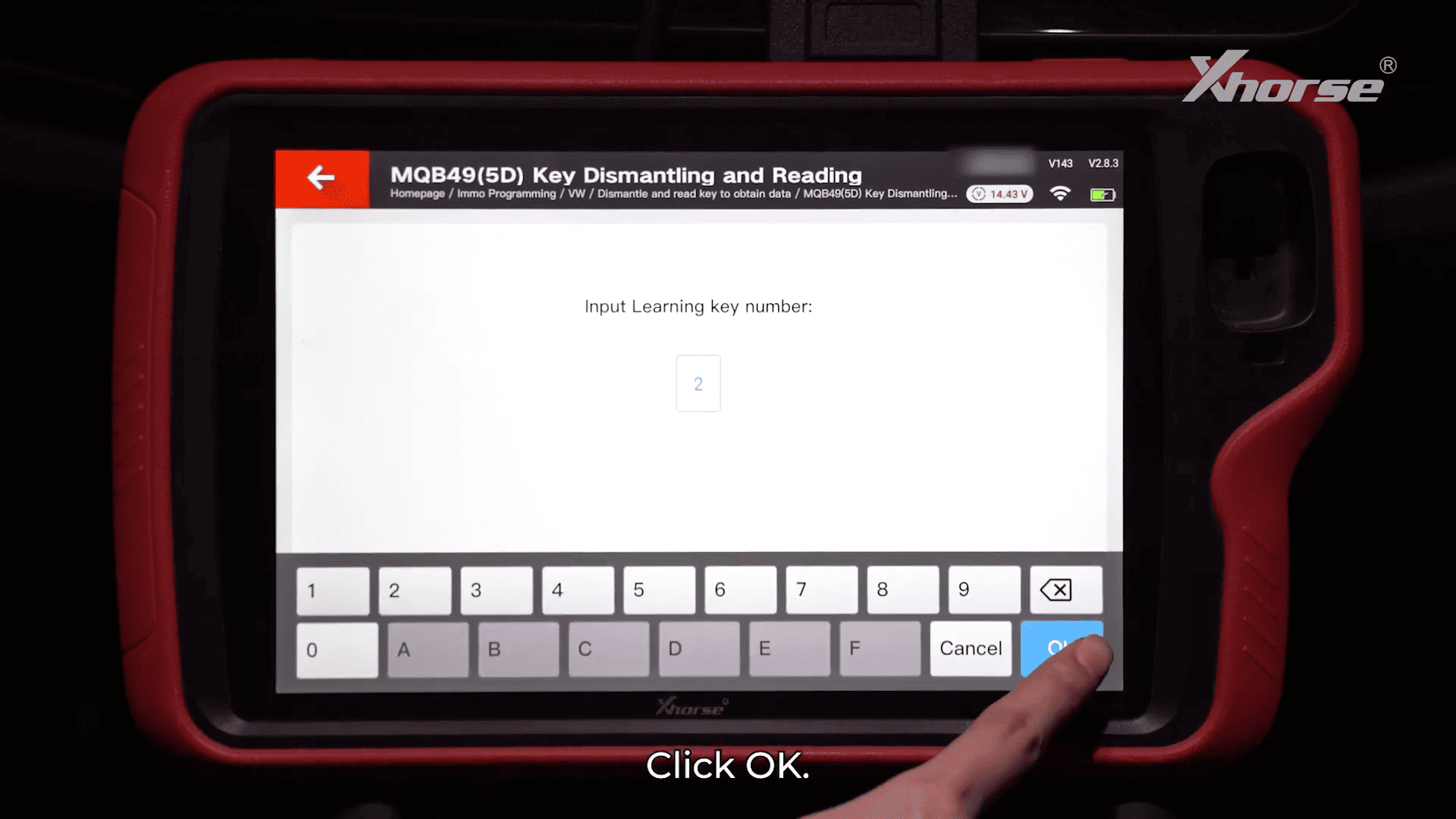
Place new key (OEM or VVDI) into coil
Ensure key has battery installed
Complete matching process
Step 5: Test Key Functions
After programming with Xhorse VVDI Key Tool Plus:
Test push-button start
Test remote lock/unlock
Confirm all functions work normally

Xhorse VVDI Key Tool Plus provides a complete solution for VW MQB49 5D key programming. From reading original key data to generating and matching new keys, Xhorse VVDI Key Tool Plus ensures efficient and reliable results for professional locksmiths.
